Was this article helpful?

Thanks for your feedback.
Webex App | Get to your favorite spaces more quickly
 Feedback?
After you've marked a space as a favorite, it's grouped together with your other favorite spaces. By default, you can get to your Favorites by filtering your spaces list. Or, you can quickly switch to see your favorite spaces at the top of your spaces list.
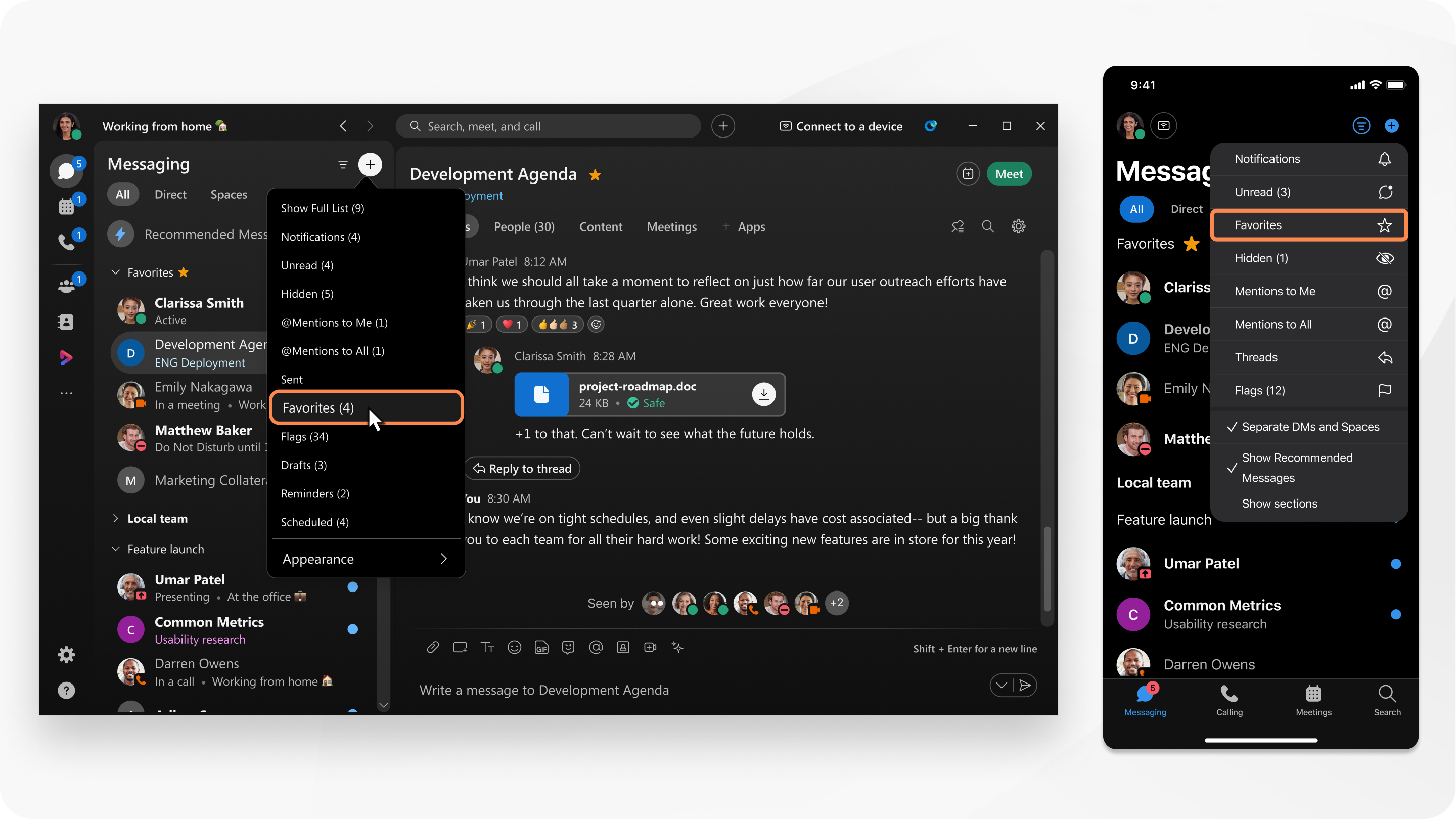
|
Click While you can add as many spaces as you like, your Favorites list works best when you limit it to a handful of truly important spaces. |
 , and then select
 |
Tap While you can add as many spaces as you like, your Favorites list works best when you limit it to a handful of truly important spaces. |
 , then tap
 |
Tap While you can add as many spaces as you like, your Favorites list works best when you limit it to a handful of truly important spaces.
|
|
Click While you can add as many spaces as you like, your Favorites list works best when you limit it to a handful of truly important spaces. |
Was this article helpful?


