Was this article helpful?

Thanks for your feedback.
Get certified as a Webex for Government partner
 Feedback?
This article guides you through the process to register as a Webex for Government partner. This enables you to resell Webex Calling and request Webex trials for your customers.
| 1 |
If you're not already a Cisco partner, go to Become a Cisco partner to read the eligibility requirements and complete the registration process. |
| 2 |
Go to the Partner Program Enrollment (PPE) site, and open the Eligible Programs tab. 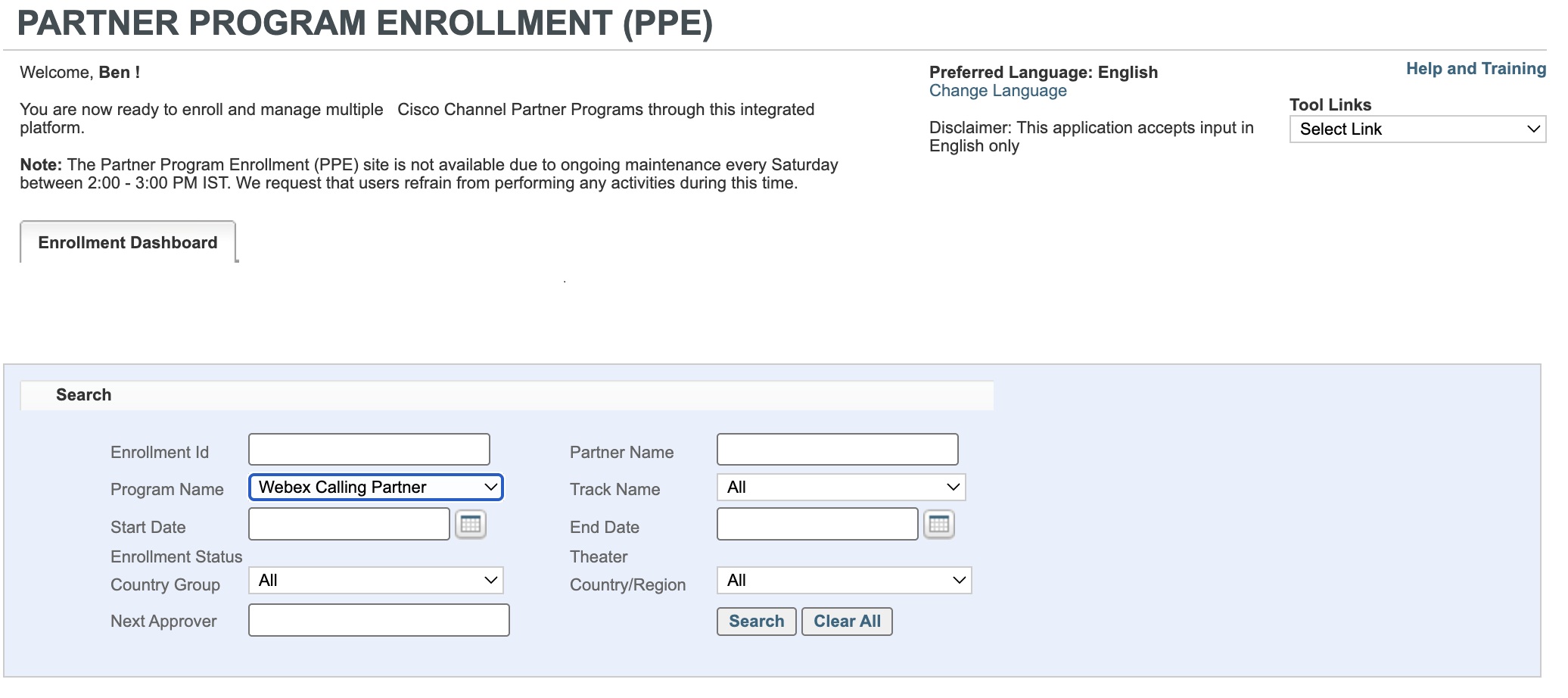
|
| 3 |
Complete the Webex Calling Sales and Administration training and exam. Webex Calling partner specialization - Sales and one of the following:
Pass the Webex Calling Administration exam. |
| 4 |
Ensure your organization has obtained US Federal Authorization. |
What to do next
You’re now able to resell Webex Calling and request trials for your customers. Request a customer trial after you are certified
Become familiar with the Webex for Government Ordering Guide.
Was this article helpful?


