Was this article helpful?

Thanks for your feedback.
Webex App | Dock or pop out closed captions in a meeting or webinar
 Feedback?
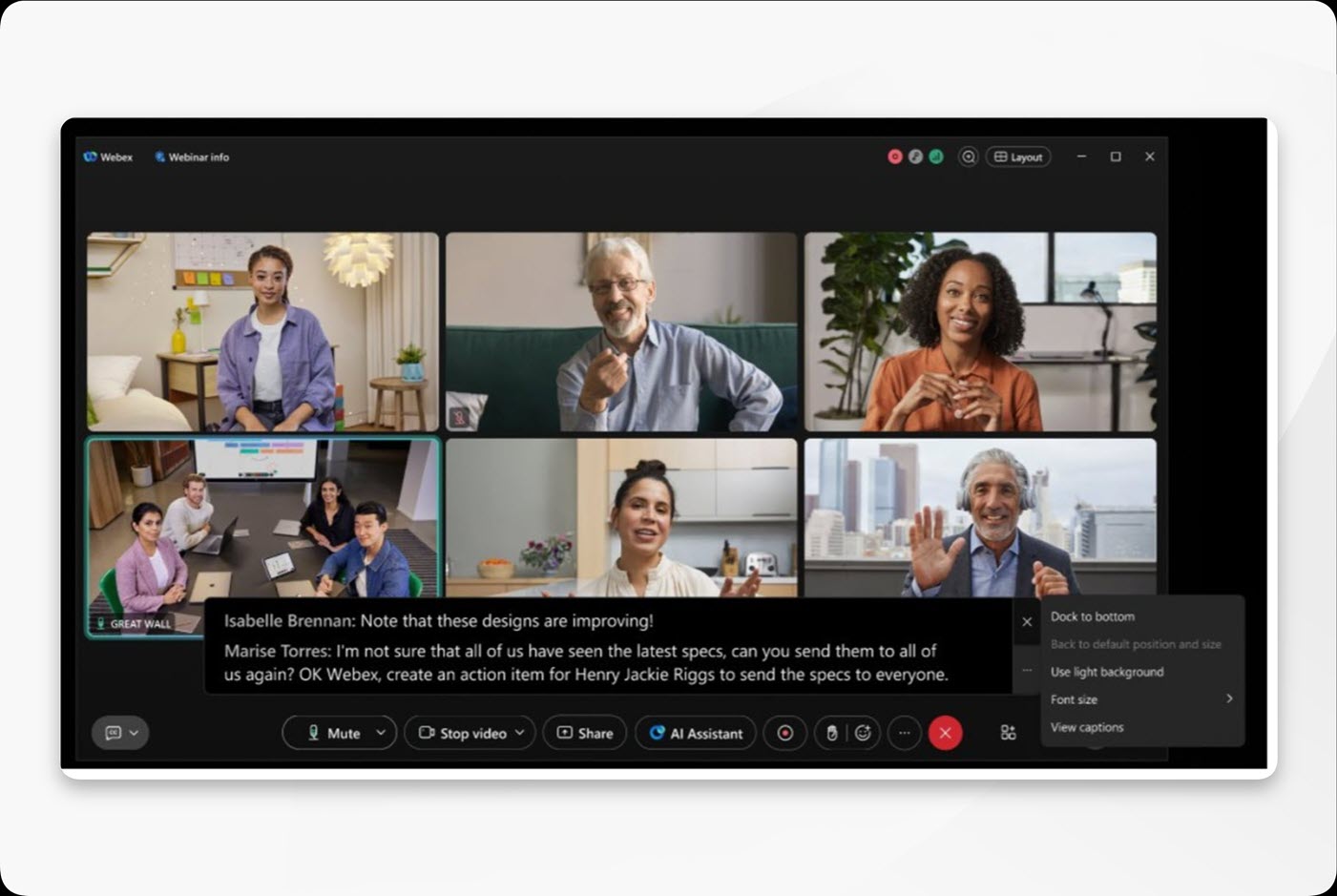
Choose the closed captions mode that works best for you in meetings and webinars. Keep captions in a movable floating box, or dock them to the bottom of the meeting or webinar window so they don't cover shared content or other on-screen information.
Before you begin
This feature is available in meetings and webinars on Windows and Mac that run on the Webex Suite meeting platform.
| 1 |
Show closed captions in the meeting or webinar. Captions open in a floating box by default. |
| 2 |
In the captions box, click More |
| 3 |
Choose one of these options:
|

What to do next
Was this article helpful?


