
コメントありがとうございます。
Webex App | Delete messages and files
 フィードバックがある場合
|
Hover over your message and click More actions
You'll see the delete option on other people's messages and files, if you're the space moderator. |
 , then click
 |
Long press the message or file and tap Delete. You'll see the delete option on other peoples messages and files, if you're the space moderator. |
|
Long press the message or file and tap Delete . You'll see the delete option on other peoples messages and files, if you're the space moderator. |
|
Hover over your message or hover directly under your file and click Delete message
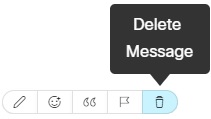 You'll see the delete option on other peoples messages and files, if you're the space moderator. |
 . If you sent a message and a file, then click


