Webex App | Leave a Team

list-menu피드백이 있습니까?
If the work you need to do on a team is complete in Webex App, or the team has become inactive, you can leave the team. If you're the only moderator of the team though, make someone else the moderator before you leave so the team can continue without you. After you leave, you won't have access to any of the discussions, and you won't get any notifications of new messages in the team either. If you need to join the team again after you leave, you'll need to be added by a team moderator.

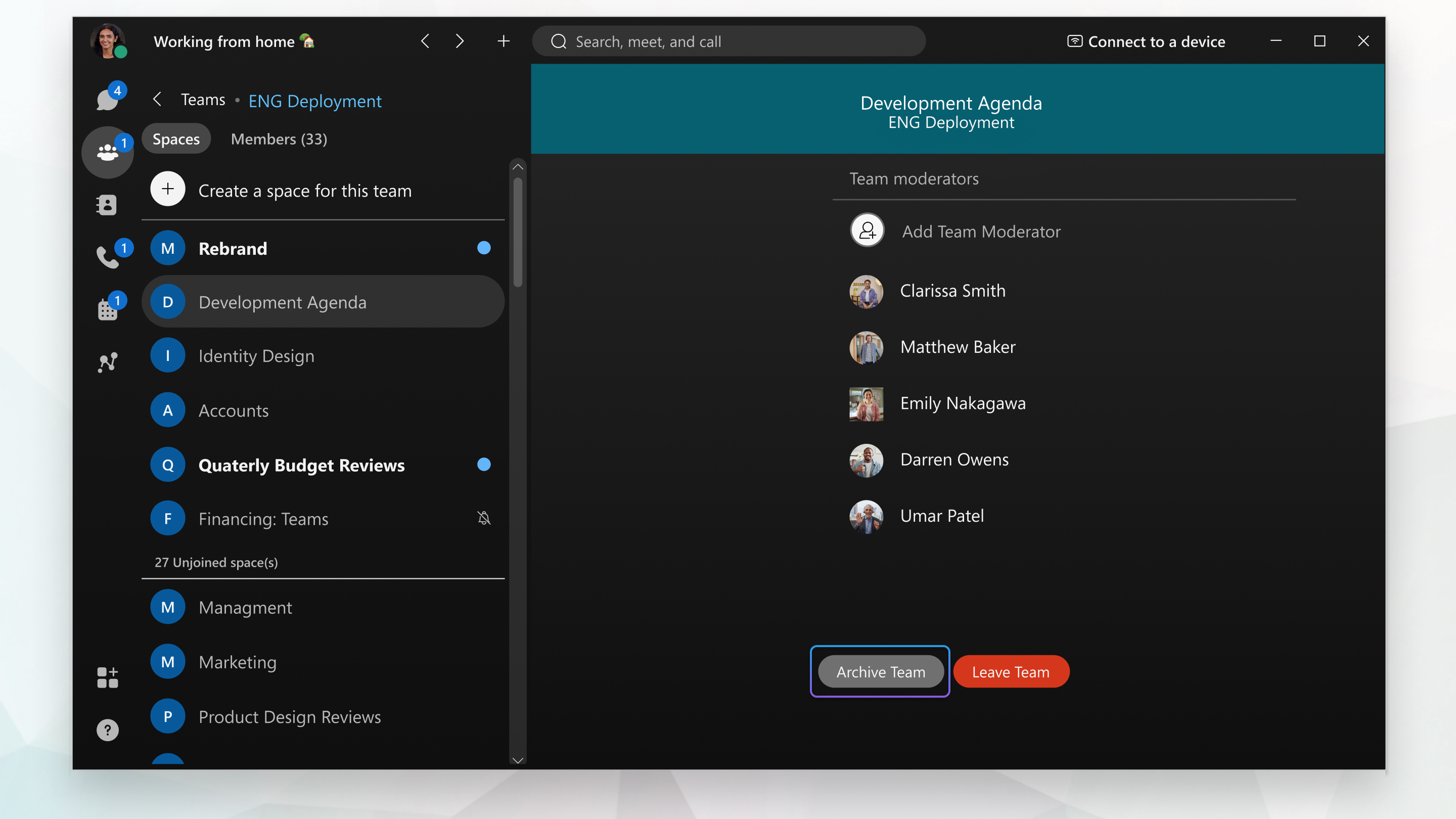
Image shows the moderator page within a space of Webex App

1

Go to Teams Teams button and click the team you want to leave.

2

Click Leave Team.

Team moderators and members can also right-click on the team's General space in their spaces list, and select Leave Team.

1

Go to Teams Teams button and tap the team you want to leave.

2

Select Details and tap Leave Team.

1

Go to Teams Teams button and tap the team you want to leave.

2

Tap DETAILS BUTTON and tap Leave Team.

1

Go to Teams Teams button and click the team you want to leave.

2

Click Leave Team.

이 문서가 도움이 되었습니까?
이 문서가 도움이 되었습니까?