
Thanks for your feedback.
 Feedback?
On desktop, you can choose how the app optimizes shared content based on what you're sharing.
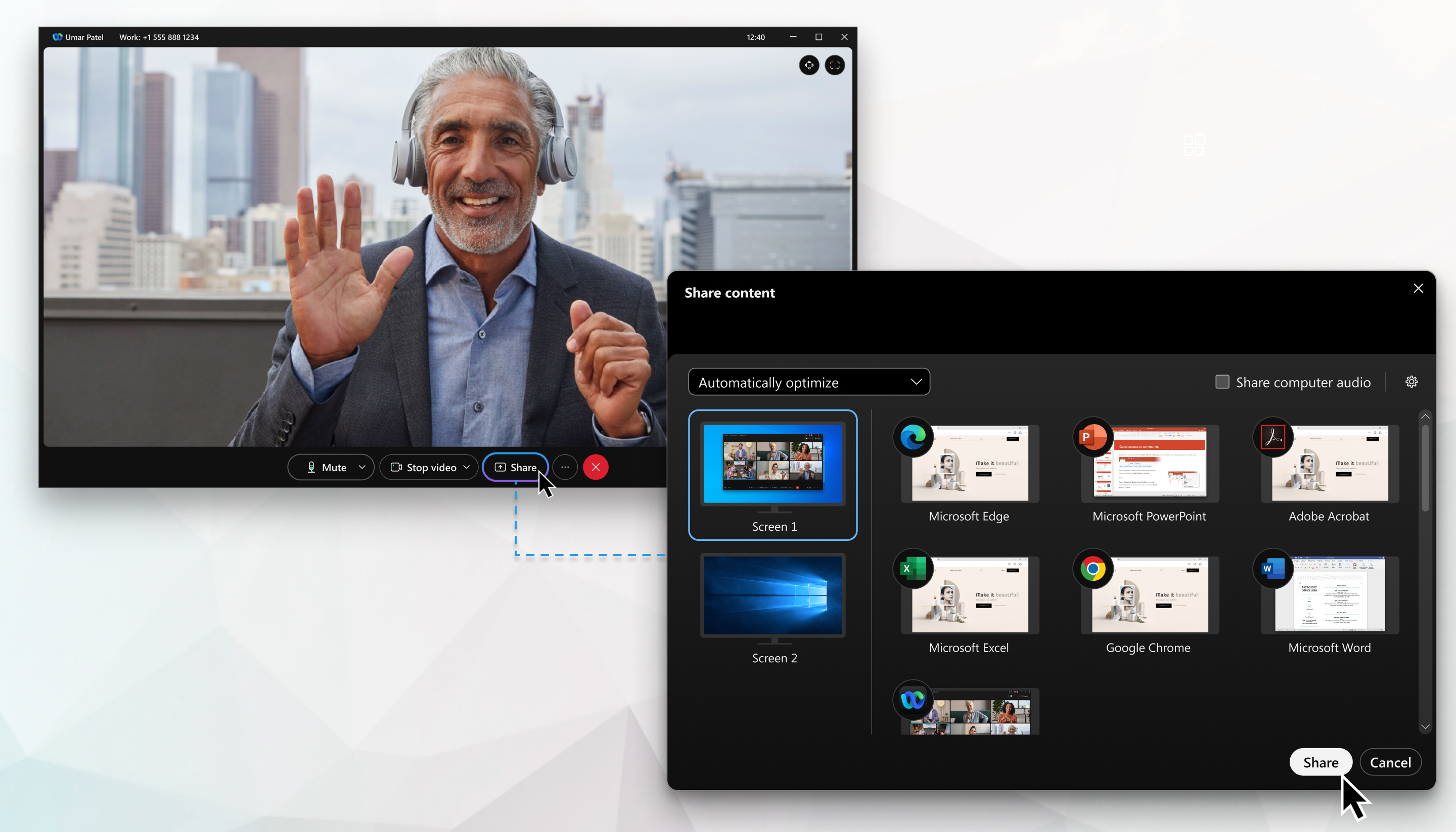
You have the flexibility to decide how the app optimizes shared content during a call or meeting, or even outside of them.
| 1 |
Open Webex and sign in. |
| 2 |
Do one of the following:
If you select a preference in the Share window, the app doesn't save it. However, if
you update your preference in Settings |

| 1 |
Open Webex and sign in. |
| 2 |
When you share content in a phone call or share content during a meeting, tap your preference:
If you choose Optimize for video, Share device audio is toggled on automatically for you. |
| 3 |
Tap Share screen. |


