Da li je ovaj članak bio koristan?

Hvala na povratnim informacijama.
Webex App | Join a team space
 Povratne informacije?
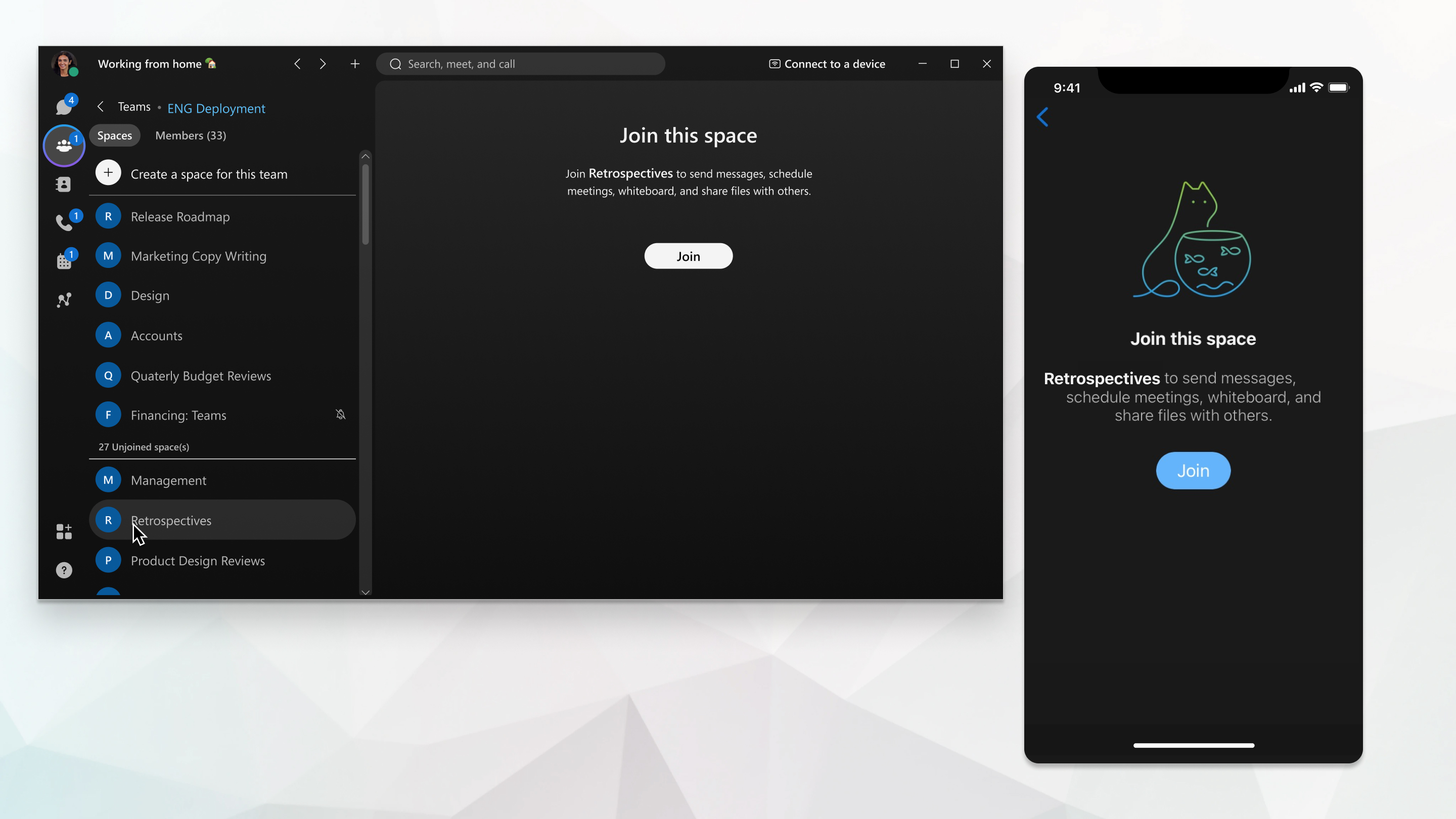
You can create groups of related spaces called teams. When you're added to a team, you’re automatically added to the team’s General space and you can view or join any unmoderated space in the team. If you want to join a moderated space in a team, first you must ask the moderator to add you to that space.
|
Go to Teams |
 and choose a team. Then, look through the available spaces, and click
 |
Go to and choose a team. Then, look through the available spaces, and tap on the one you'd like to join and then tap Join. |
|
Go to Teams
|
Da li je ovaj članak bio koristan?


