
Thanks for your feedback.
 Feedback?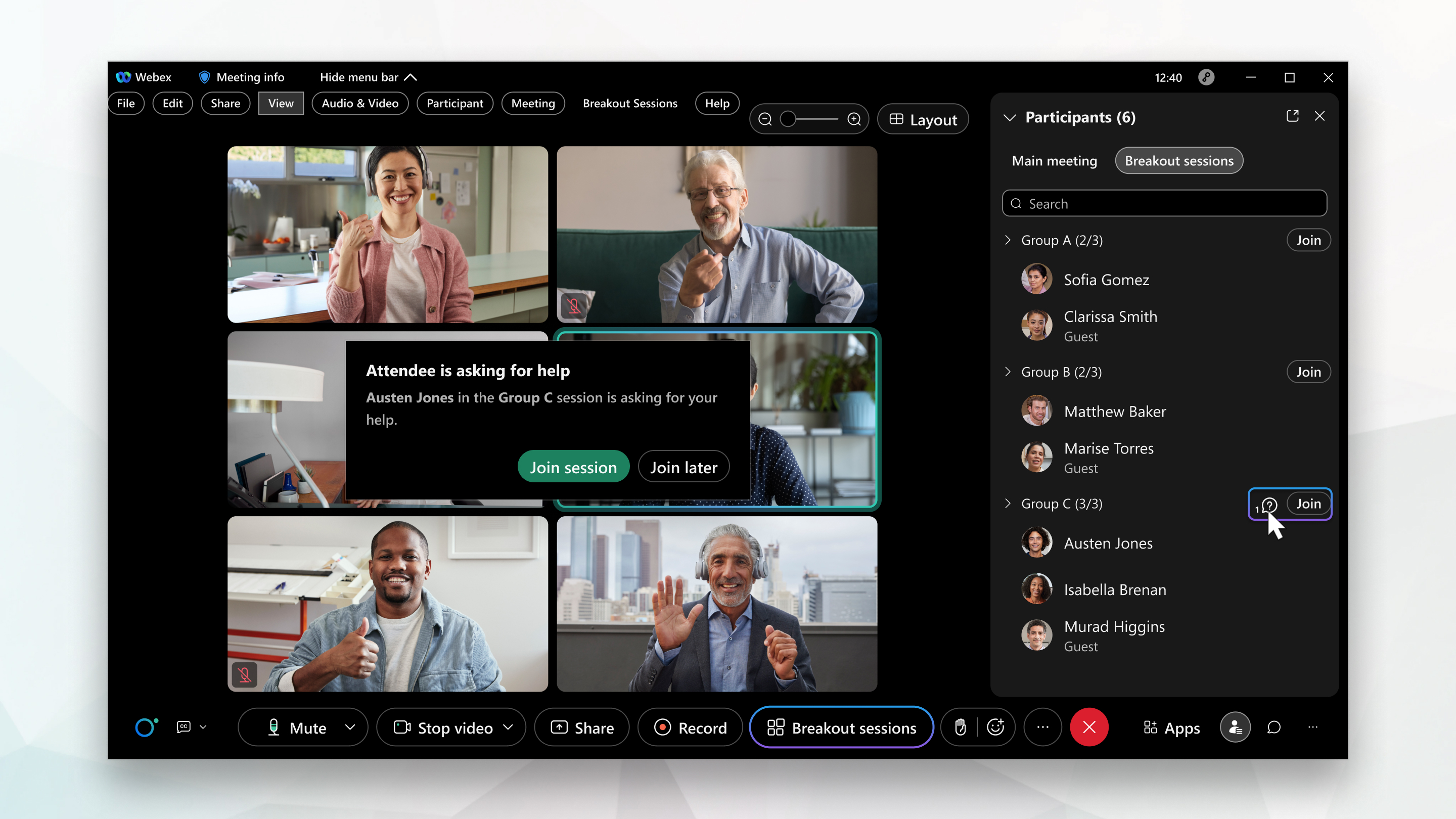
This feature is supported on Webex Meetings. On Webex App, this feature is available on our Webex Suite meeting platform.
If you use Webex Meetings on Linux, use our web app for breakout sessions.
|
When the message appears, click Join session to join the breakout session immediately. 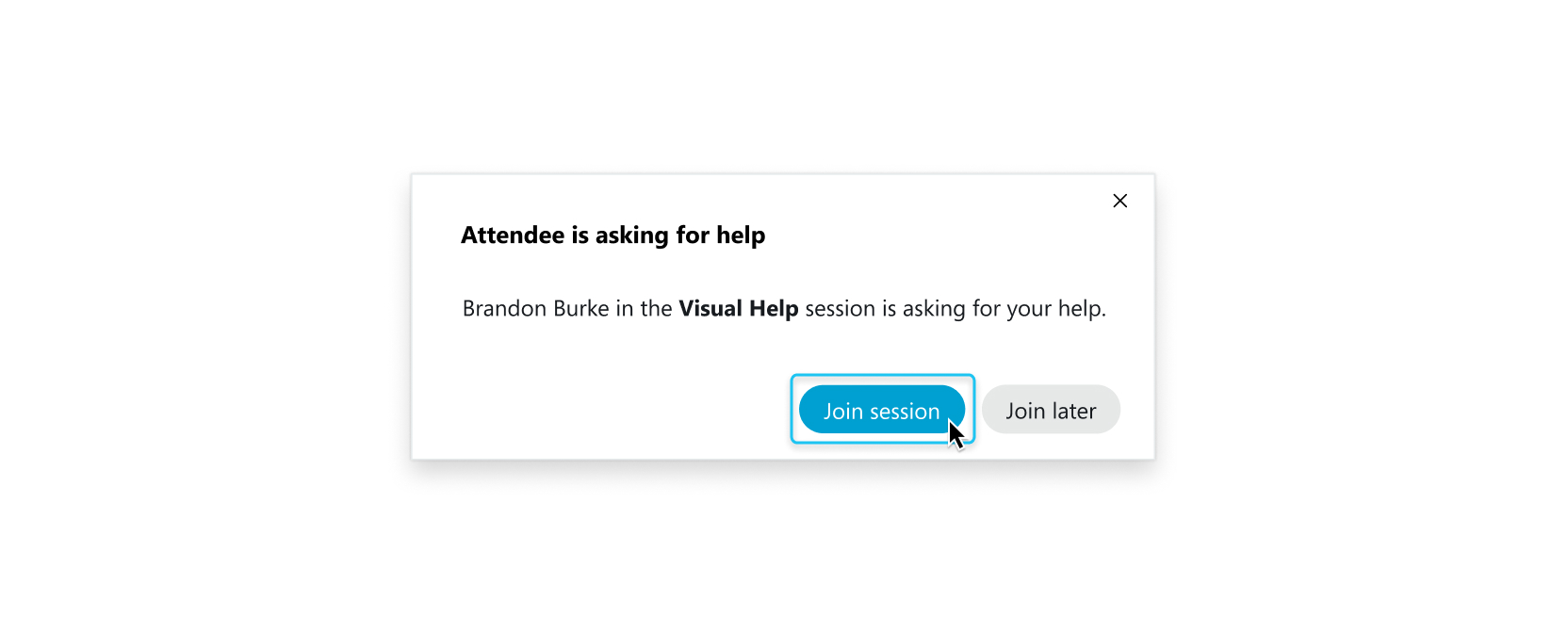 If you can't join the session right away, make a note of the participant who was asking for help and the session they're in, and click Cancel. You can join that session later by clicking Choose a session at the top of the Participants panel. |
|
When the message appears, tap Join or Join Session to join the breakout session immediately. 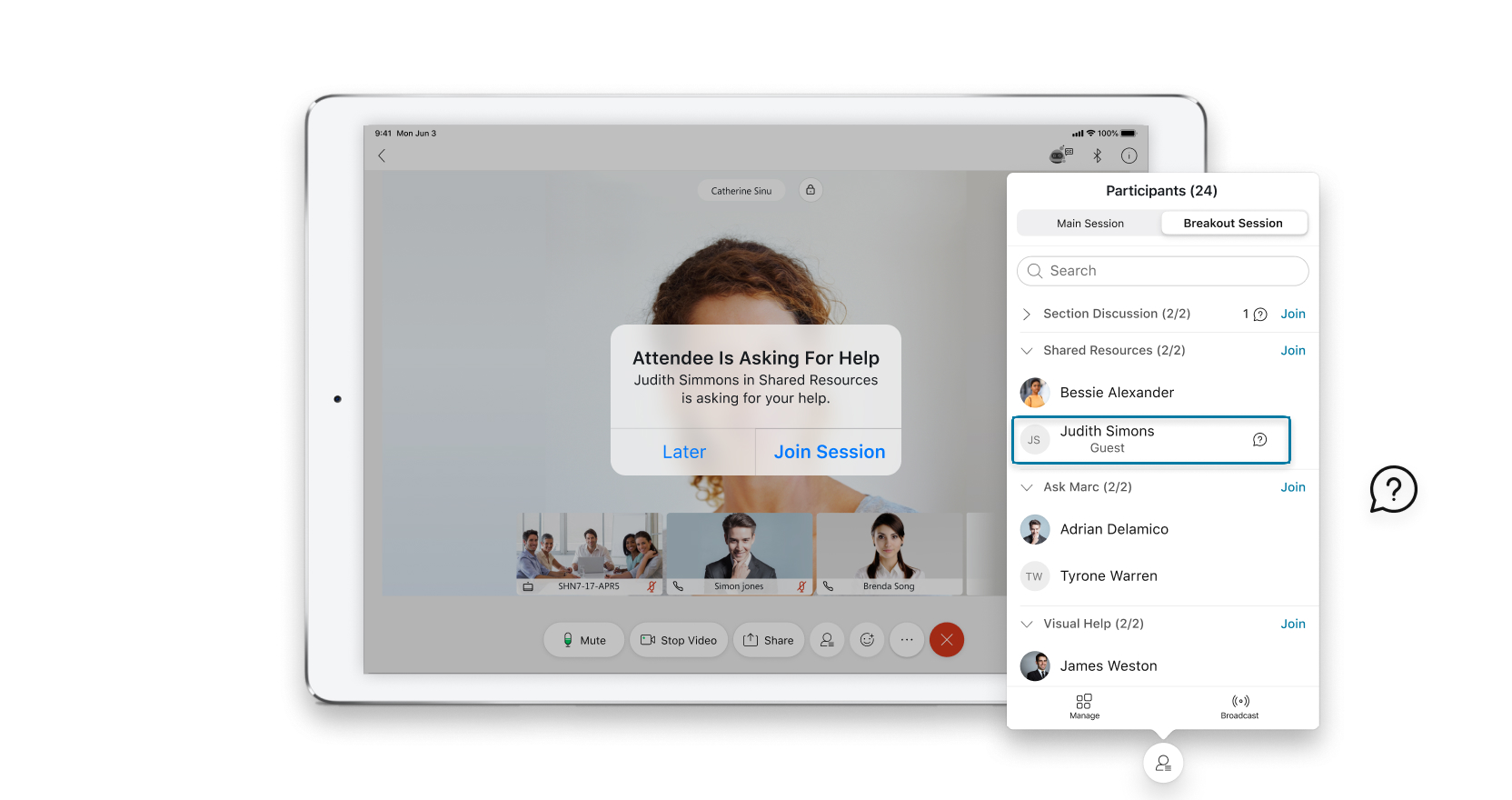 If you can't join the session right away, make a note of the participant who was asking for help and the session they're in, and tap Cancel. You can join that session later by tapping Choose a session at the top of the Participants panel. |


