
Thanks for your feedback.
Webex App | Notify the host if you join a meeting before them
 Feedback?
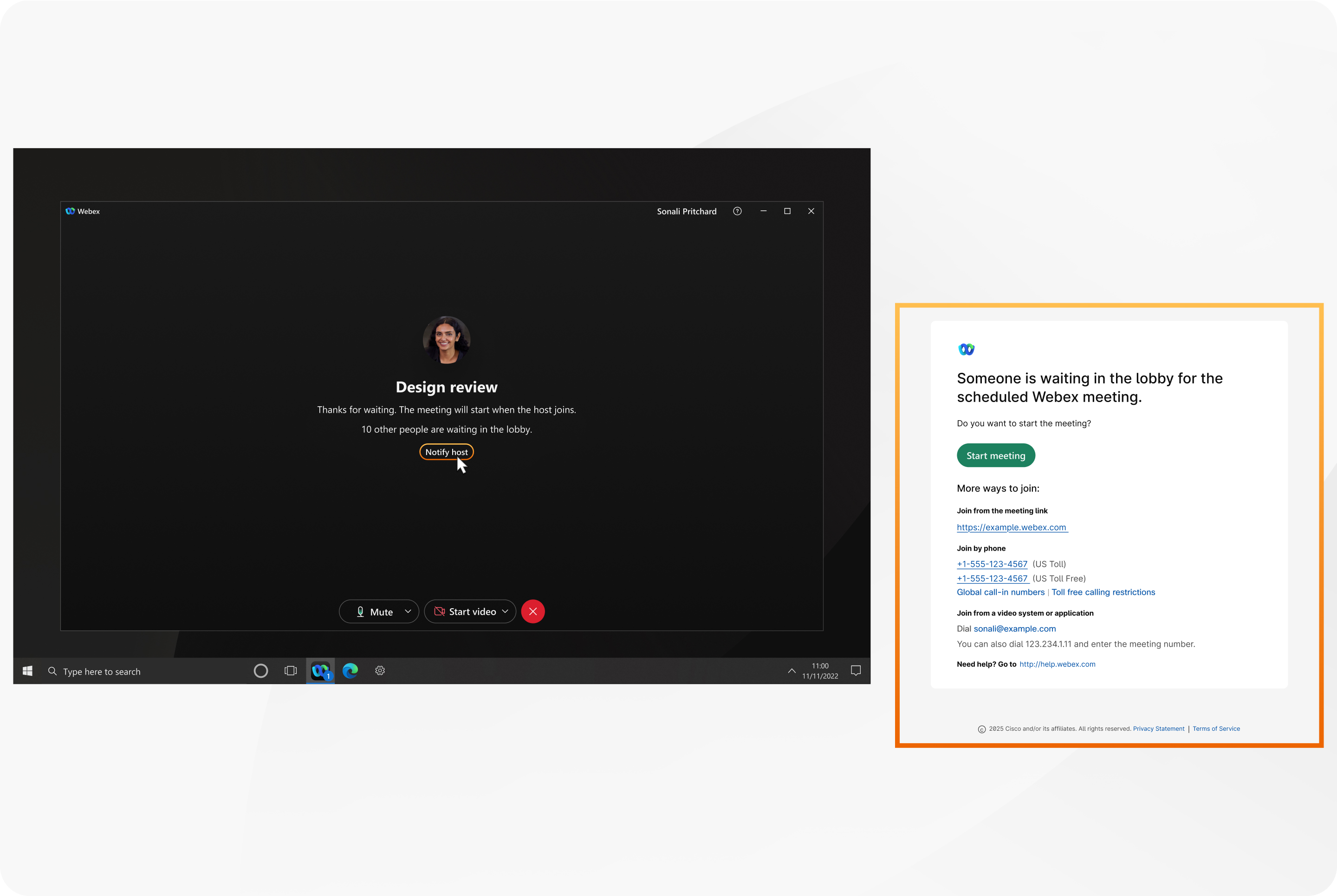
This feature is available in both default and custom lobbies in meetings on the Webex Suite meeting platform.
If you're a host already in the meeting, you'll continue to receive visual notification when someone is waiting in the lobby. If you've opted to play a sound when someone is waiting in the lobby, you'll continue to hear a sound alert.
| 1 |
Open Webex and sign in. |
| 2 |
After you join the meeting and you're waiting in the lobby, click Notify host. The app sends the host an email that says, Someone is waiting in the lobby. The notification email will prompt the host to join the meeting. |
| 1 |
Open Webex and sign in. |
| 2 |
After you join the meeting and you're waiting in the lobby, tap Notify host. The app sends the host an email that says, Someone is waiting in the lobby. The notification email will prompt the host to join the meeting. |


