
Thanks for your feedback.
Webex App | About the lobby in Webex meetings
 Feedback?
This article applies to meetings that run on the Webex Suite meeting platform.
As a host, when you lock a meeting—either by choosing auto lock when you schedule the meeting or by locking it during the meeting itself—participants wait in the lobby until you or a cohost admits them into the main meeting or admits them into a breakout session. You can see a list of who’s waiting to join and can choose to let people in one at a time or admit everyone at once.
To make your lobby more welcoming and informative, you can add a custom message, image, or logo for participants to see while they wait.
If you're a host or cohost using Webex App on Windows or Mac and you want to be notified when someone enters the lobby, set up a notification sound on your computer. That way, you’ll always know when someone is waiting to join but no one else will hear the sound.
Need to have a private discussion with certain participants? As the host or cohost, simply move the other participants back to the lobby temporarily and bring them back to the main meeting when you’re ready.
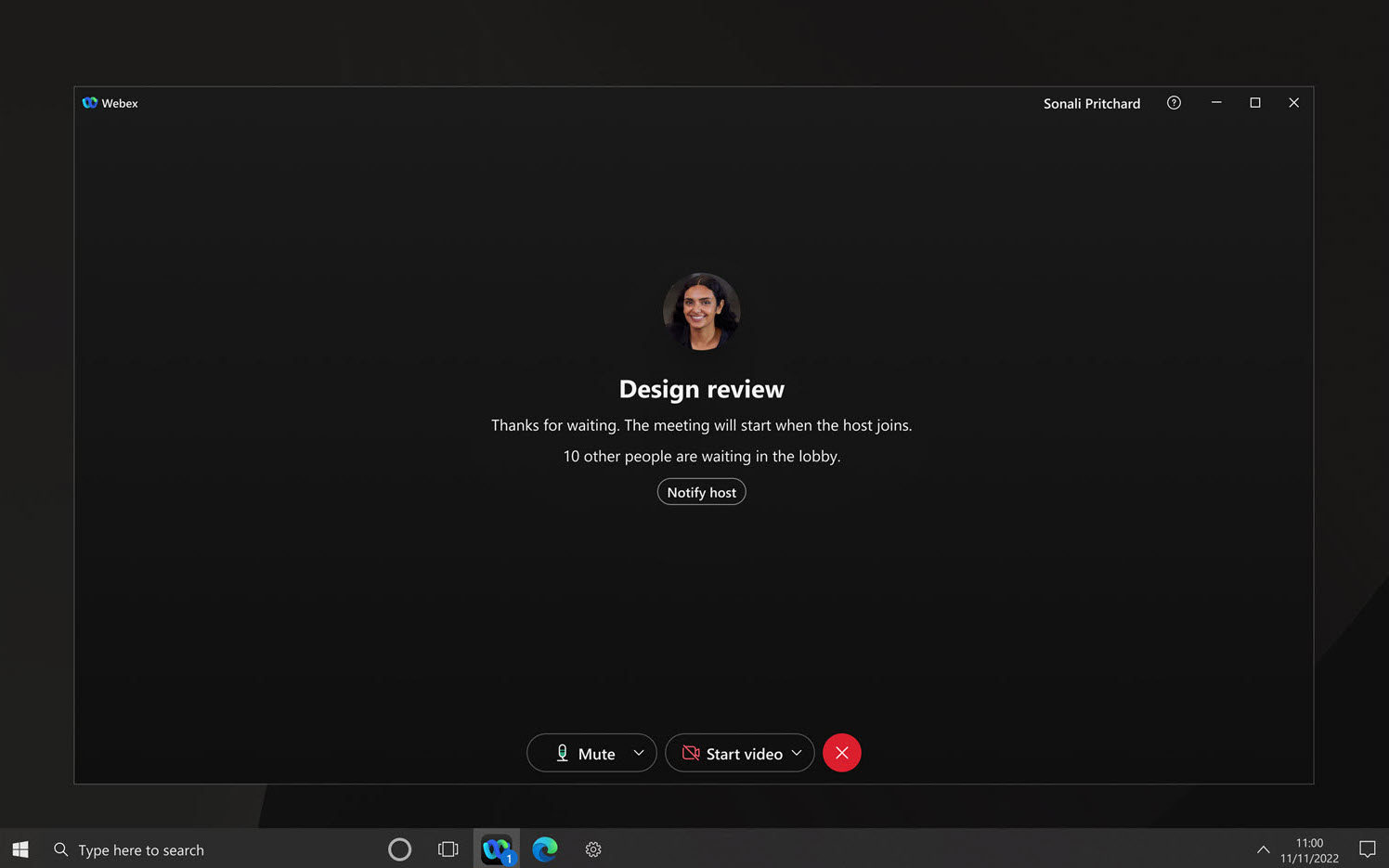
If you’re a participant waiting in the lobby for a meeting to start, notify the host. We’ll send them an email, prompting them to join.


