Was this article helpful?

Thanks for your feedback.
Delete Your Recording
 Feedback?
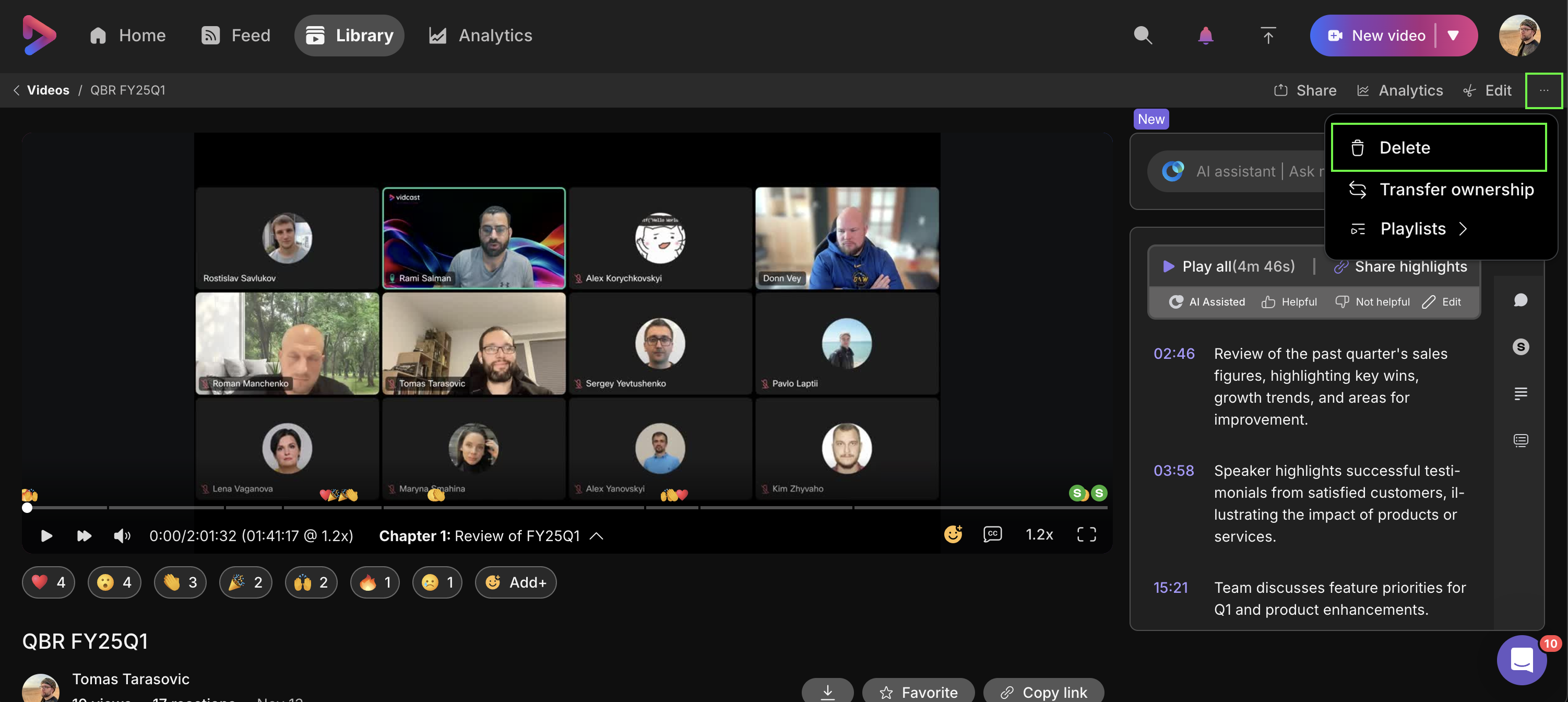
You're able to delete your recording right from the editing page.
Is your library cluttered with out-takes? You can delete your Vidcast by clicking on the three dots buttons in the top-right corner, above the video, and selecting Delete. This will transfer the video into Library- > Trash tab where it will live until you decide to permanently delete it or restore it.
Was this article helpful?


