Was this article helpful?

Thanks for your feedback.
Webex App | Turn on Center Stage
 Feedback?
If you move around during a meeting, turn on Center Stage, the camera feature from Apple. Your camera automatically pans to keep you, and anyone with you, in the frame.
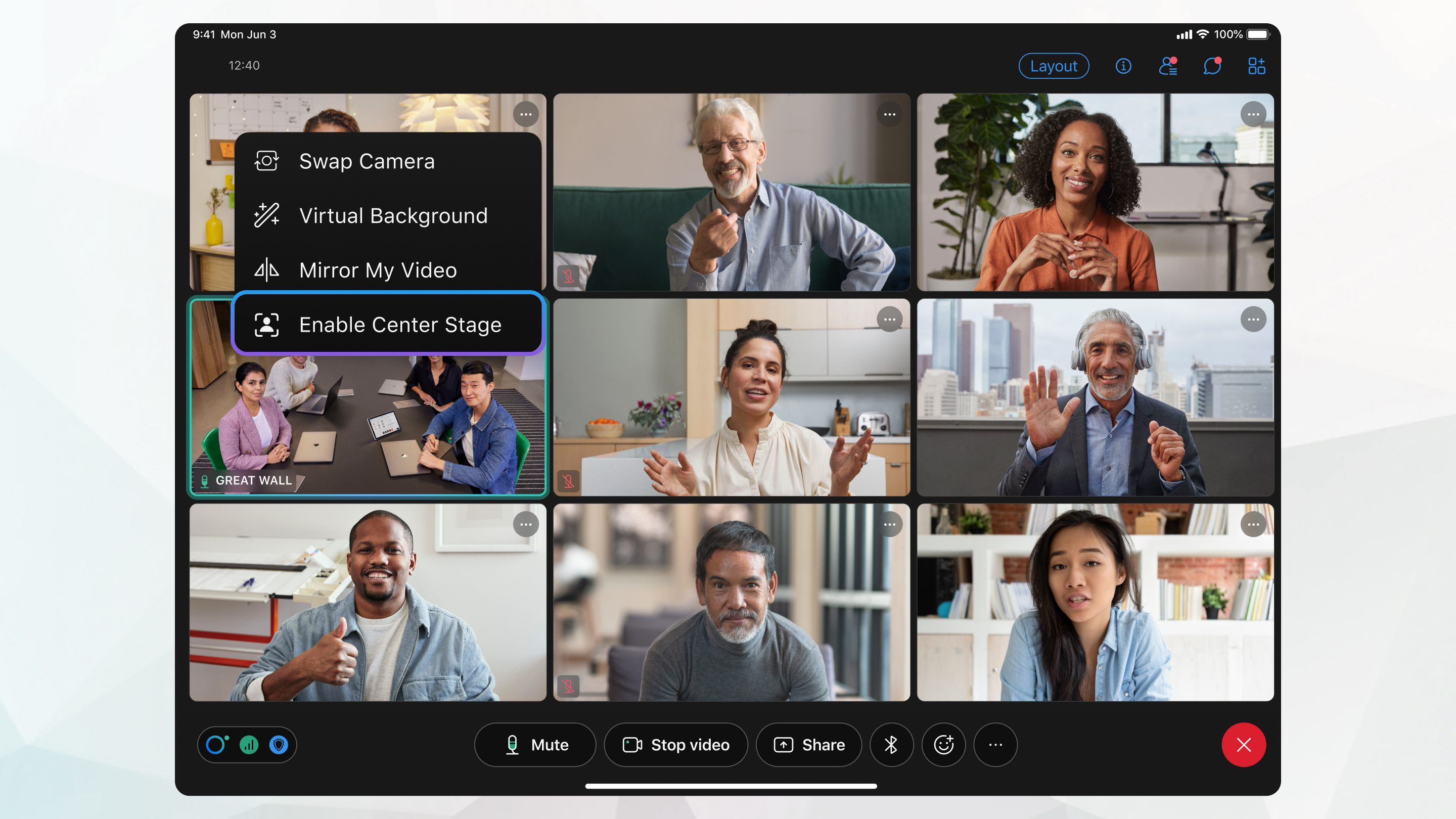
This feature is for iPad only.
Before you begin
Start or join a meeting. Then, tap  to start your video.
|
In your self-view video, tap You can also turn on Center Stage from Settings on your iPad. To turn off Center Stage, in your self-view video, tap |

Was this article helpful?


