Was this article helpful?

Thanks for your feedback.
Webex App | Peek Into a Space
 Feedback?
Sometimes you have unread messages in a space but don't have time to follow up on them right away. You can peek into a space to view the space without marking it as read or sending a read receipt.
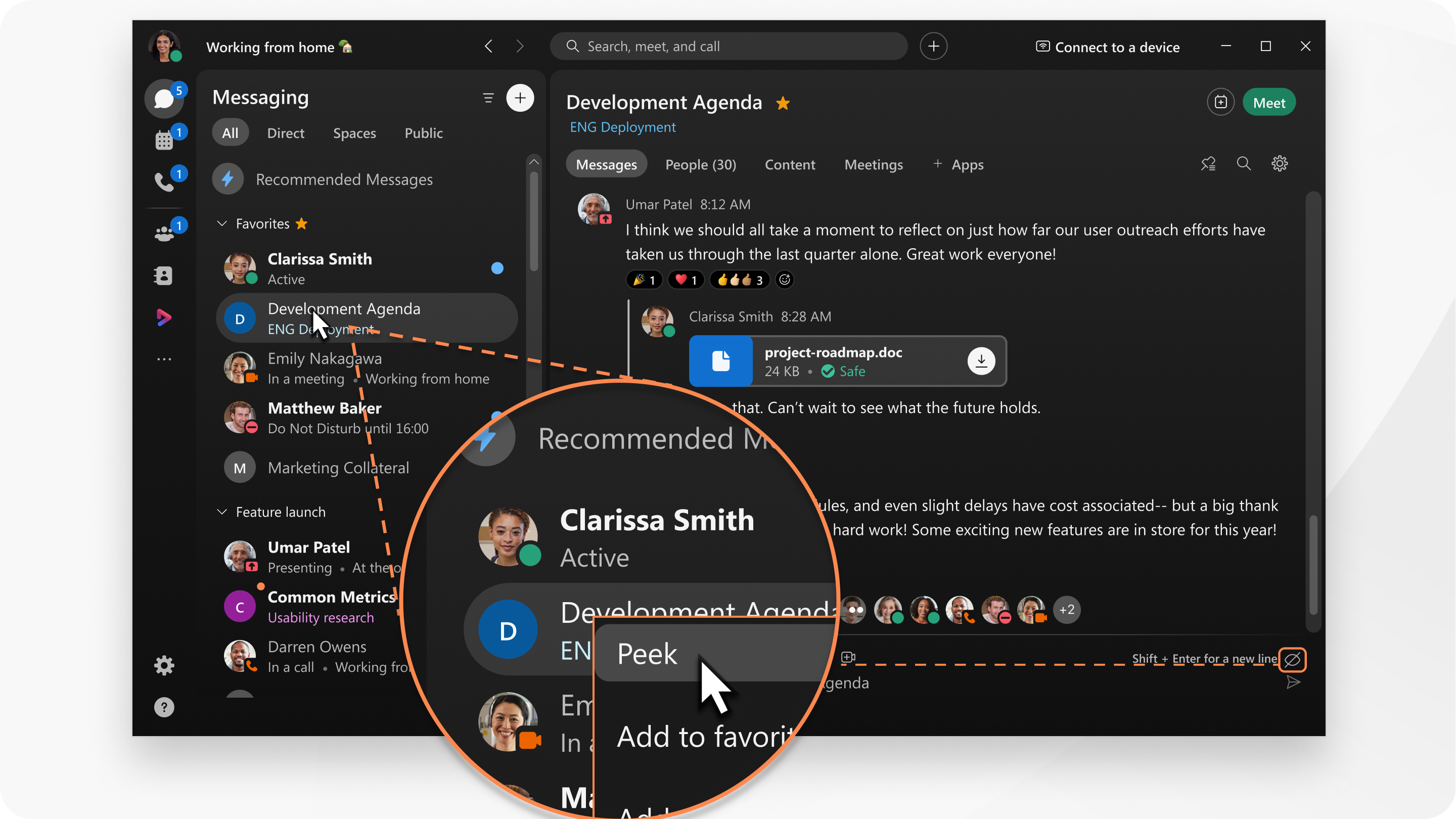
|
Go to Messaging
You'll see the peek mode icon To stop peeking in a space, navigate away from the space, and then click on the space to read as normal. |
 , right-click an unread space, and then click
  in the messaging area to remind you that you're peeking in a space.
|
Go to Messaging
You'll see the peek mode icon To stop peeking in a space, navigate away from the space, and then tap on the space to read as normal. |
Was this article helpful?


