Thanks for your feedback.
Webex Webinars attendee support for Board, Desk, and Room Series
 Feedback?
Support for 5000 attendees is being rolled out gradually by customer cohorts starting May 2026. Contact your Webex account team for availability and timing. Joining as a panelist? See: Webex Webinars panelist support for Board, Desk, and Room Series.
Joining the Webex Webinar from a device
Attendees can join with one button to push (OBTP) or by dialing into the meeting with the webinar information. Make sure to keep the email invitation of the webinar, where you can find the webinar number and webinar password to join.
Webex allows commercial devices to join Webex for Government (FedRAMP Authorized) converged webinars, and Webex for Government (FedRAMP Authorized) devices to join converged commercial webinars, enabling seamless participation across environments.
| 1 |
Tap Join if the webinar is scheduled on your device, or tap Webex and enter the video system link or the webinar number from the email invite. |
| 2 |
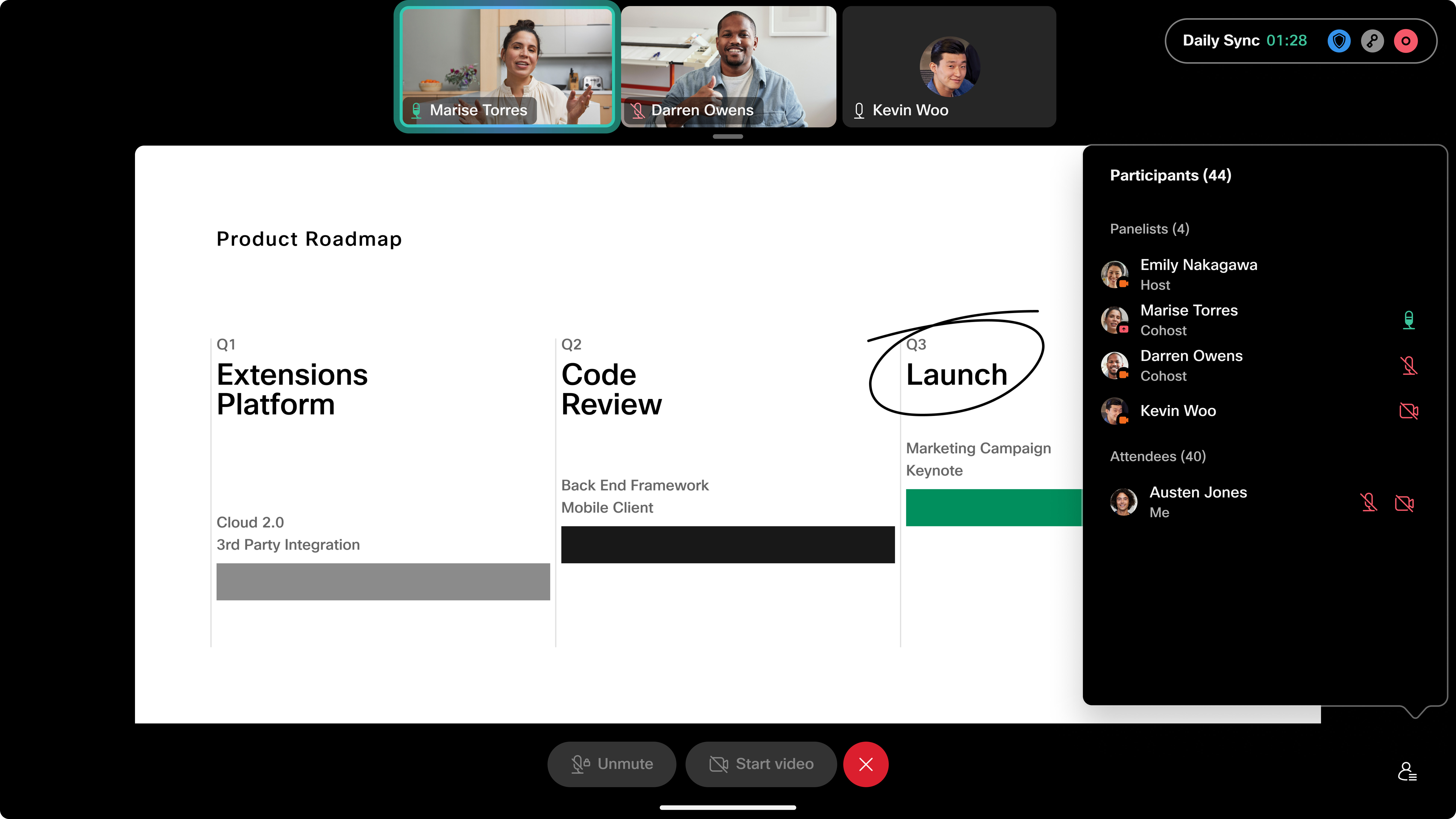
Enter the webinar password received by email if prompted. Participant list in webinars
Important notes for Webex Webinars on devices
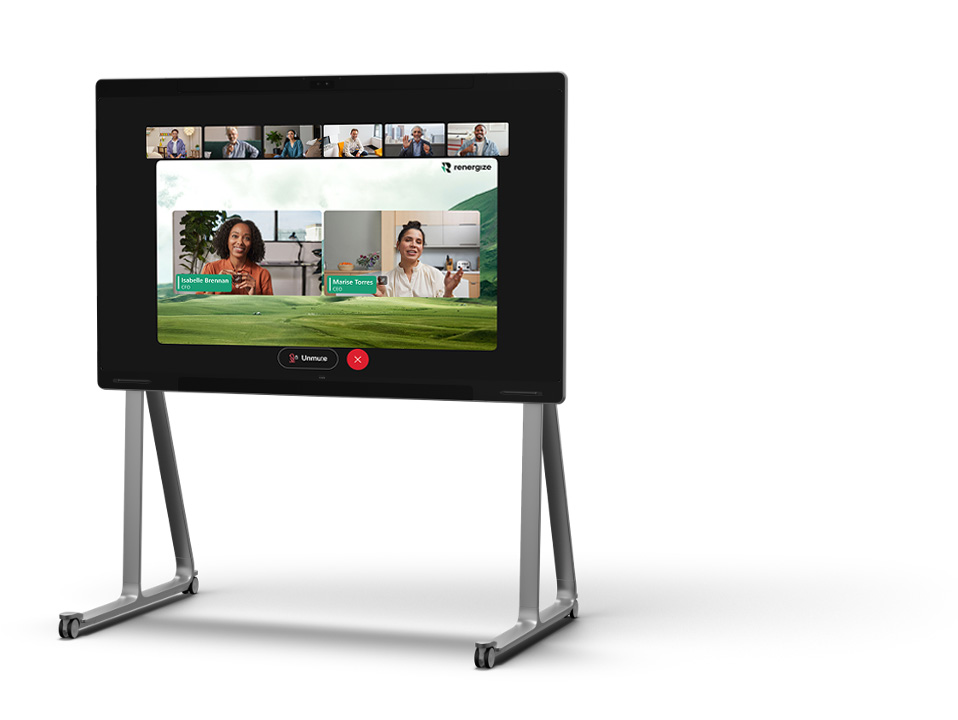
For Webcasts, attendees join through the device web engine instead of the native Webex experience. The Webcast experience is optimised for very large audiences and provides a simplified, view-only interface. Limitations
|