Was this article helpful?

Thanks for your feedback.
Webex App | Reorder the Start, Join, and Schedule icons
 Feedback?
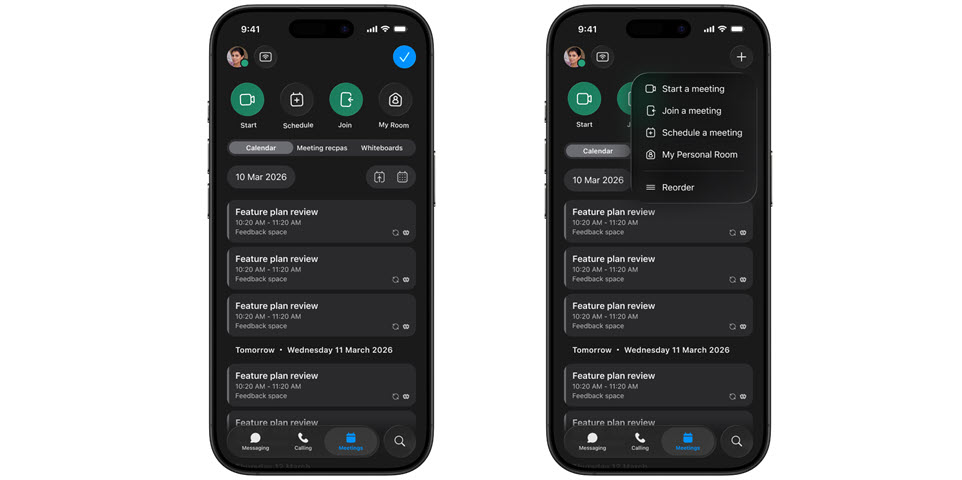
The Start, Join, and Schedule icons appear at the top of your Meetings tab in Webex App. If you use one of these options more often than the others, you can easily rearrange the icons so that your preferred option appears exactly where you want it.
This feature is only available on iPhone and iPad.
| 1 |
Open Webex and sign in. |
| 2 |
Go to Meetings |
| 3 |
Choose one of the following methods to reorder the icons:
|
| 4 |
Drag the icon to your preferred position. |
| 5 |
When you're finished, tap |

 at the top of the app and tap
 at the top of the app.
Was this article helpful?


