- Home
- /
- Article

Thanks for your feedback.


Webex App | Auto-detection of spoken language
 In this article
 Feedback?
Your meetings are now even more user-friendly by automatically detecting the spoken language in real-time during a meeting—as people speak what they say appears above the meeting controls, no need to manually select a language.
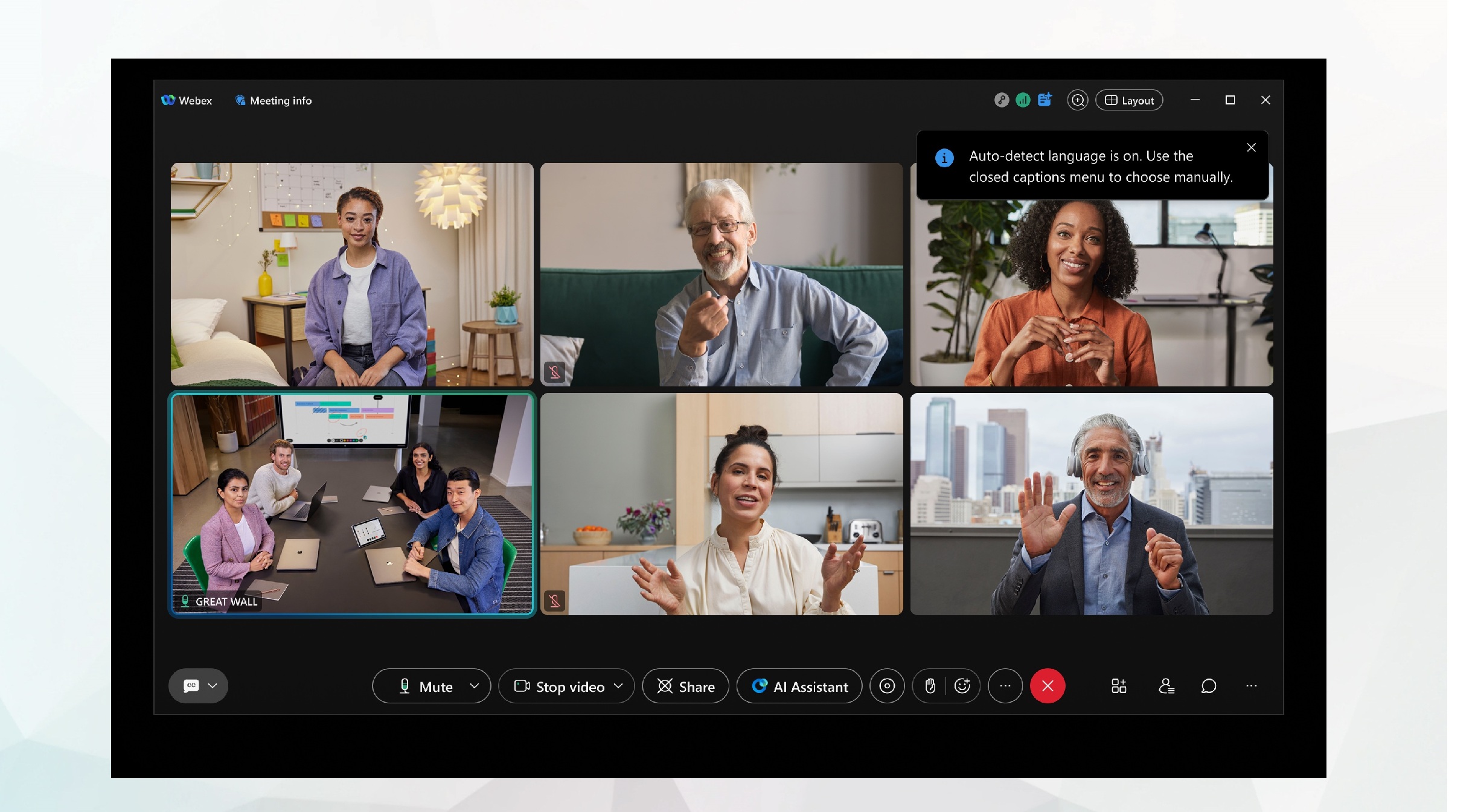
How it works
The AI advanced language recognition system listens to the meeting conversation and identifies what language participants are using. This allows AI to provide more accurate transcriptions and translations throughout your meeting.
-
Auto-language detection occurs within 5-10 seconds, and automatically updates closed captions and transcript.
-
Displays in a scrollable window, capturing dialogue and updating as participants speak.
-
Currently, Auto-language detection supports only one spoken language at a time.
Auto-language detection, must be enabled by your organization administrator.
Real-time detection
The language detection model runs throughout the entire meeting, ensuring accuracy even as speakers switch languages.
For example, a meeting begins in English, one participant shares their updates in French, and the discussion then shifts into Spanish. Live auto-detection identifies each change instantly, and updates the closed captions and transcription in English.
Manage Spoken langauge
Live auto detection of spoken languages is on by default for your meetings and offers a hands-off language experience, instantly converting spoken words to written text in real time. It displays in the closed captions window, capturing dialogue from the meeting and updating as participants speak.
|
In a meeting, click Show closed captions
|
 to open or close the closed captions window.
Supported languages
You can choose from 16 different spoken languages for your meetings, without requiring a Real-time Translation license.
-
English (default)
-
Arabic
-
Chinese Mandarin (Simplified)
-
Chinese Mandarin (Traditional)
-
Danish
-
Dutch
-
French
-
German
-
Hindi
-
Italian
-
Japanese
-
Korean
-
Polish
-
Portuguese
-
Spanish
-
Turkish
-
There are 16 supported languages for transcription, and spoken language in meetings.
-
Auto-language detection works with 14 of those languages. Currently, Guoyu and Turkish are not supported.
-
If you manually select Guoyu or Turkish as a language, the auto-language detection turns off, but you are still provided with an accurate transcription.
-
-
If someone is speaking in a language that isn't supported, the transcript won't be accurate, even if auto-detect is on.


