Was this article helpful?

Thanks for your feedback.
Change your default meeting site in Webex App
 Feedback?
If your email address is associated with multiple Webex sites, you can choose your preferred site to start and schedule meetings.
Your Webex site URL is usually in the format companyname.webex.com.
| 1 |
Click your profile picture, then select . |
| 2 |
Under Default Webex site URL, select Edit, choose which Webex site you want to use to start and schedule meetings, and then click Update. 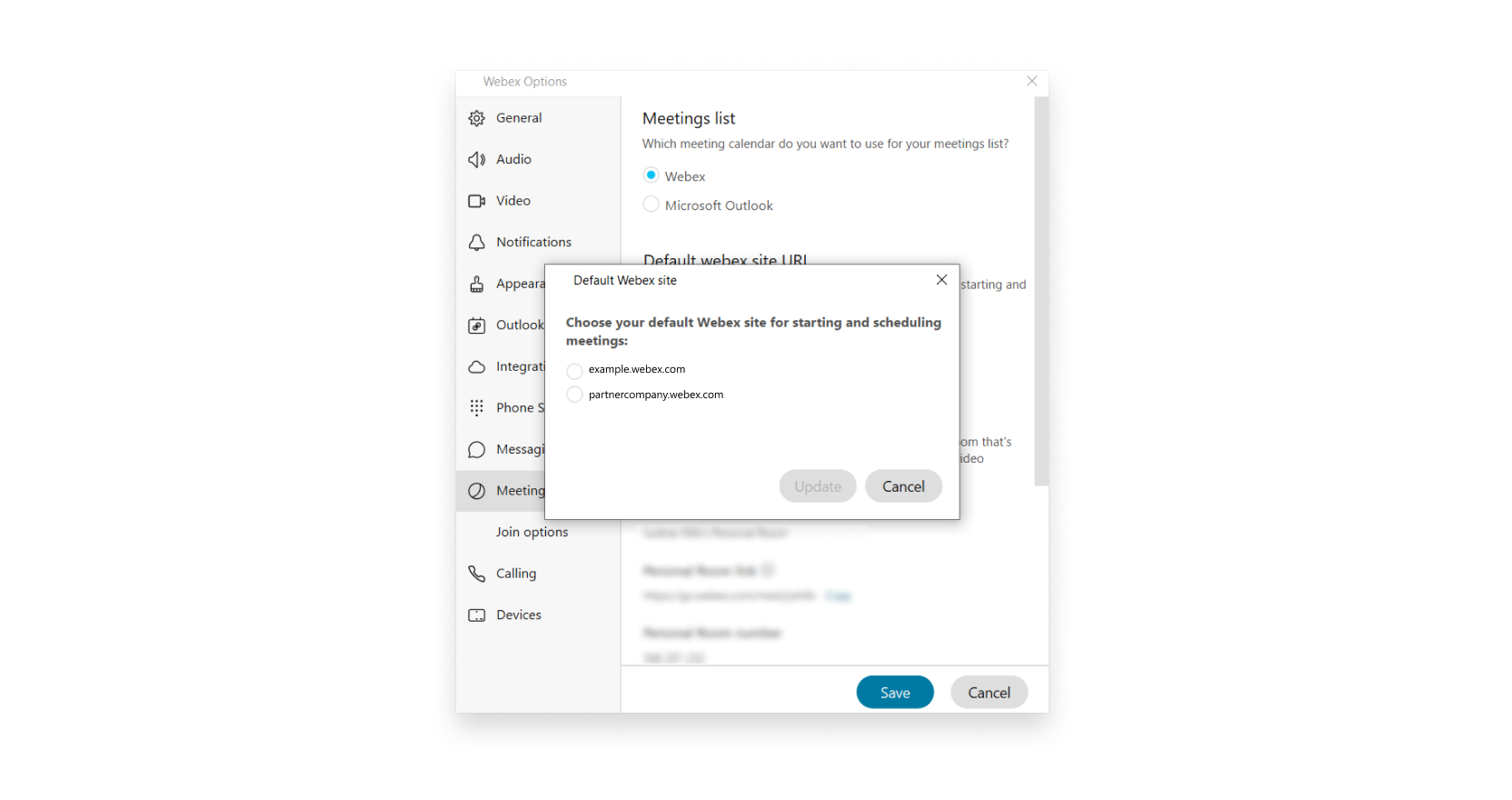 |
Was this article helpful?


