
Thanks for your feedback.
Webex App | Access your Microsoft data with Cisco AI Assistant
 Feedback?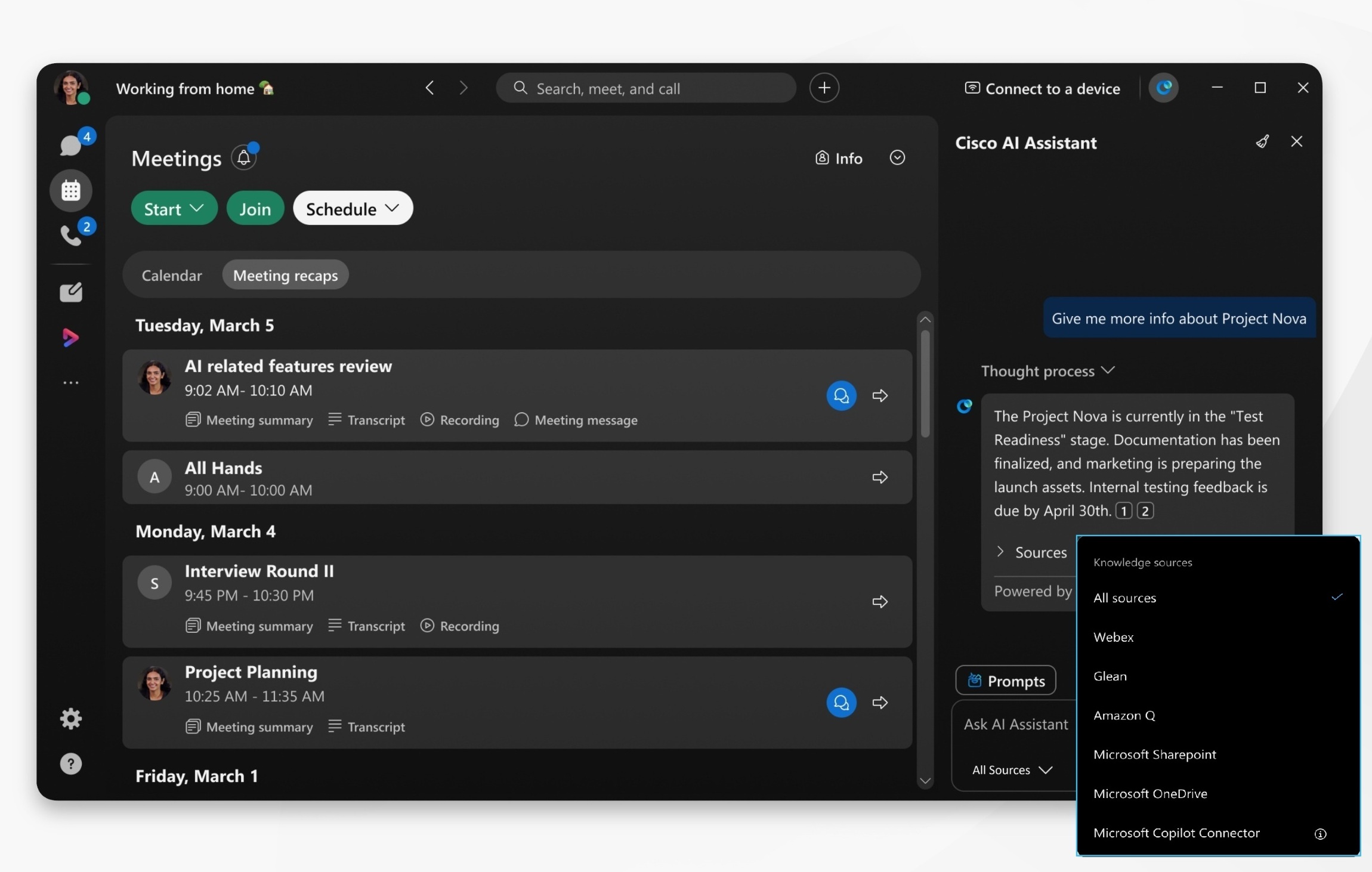
Your organization administrator must enable this feature in Control Hub.
| 1 |
Open Webex and sign in. |
| 2 |
Click Settings
Go to Allow Cisco AI Assistant to search selected source, and select from:
Click Add connection for each source you wish to enable. Each connection must be configured individually.
You'll be redirected to the Microsoft authorization page. Sign in with your account, and click Accept to authorize the Webex application. |
| 3 |
Click AI Assistant
Click Stop generating to cancel an AI Assistant reply. AI Assistant has trouble with subjective questions and may return some inaccurate results. Ask questions that start with: find, what, who, or use keywords, such as a project name. |
 , then click
  in the app header, go to


