- Home
- /
- Article

Thanks for your feedback.

 In this article
 Feedback?
Read through the following information about how to clean Cisco Wireless Phone 9821 and what to do if your phone drops in water.
Clean your phone immediately if it comes in contact with anything that may cause stains, or other damage; for example, dirt or sand, ink, makeup, soap, detergent, acids, acidic foods, or lotions. Make sure you follow our cleaning instructions.
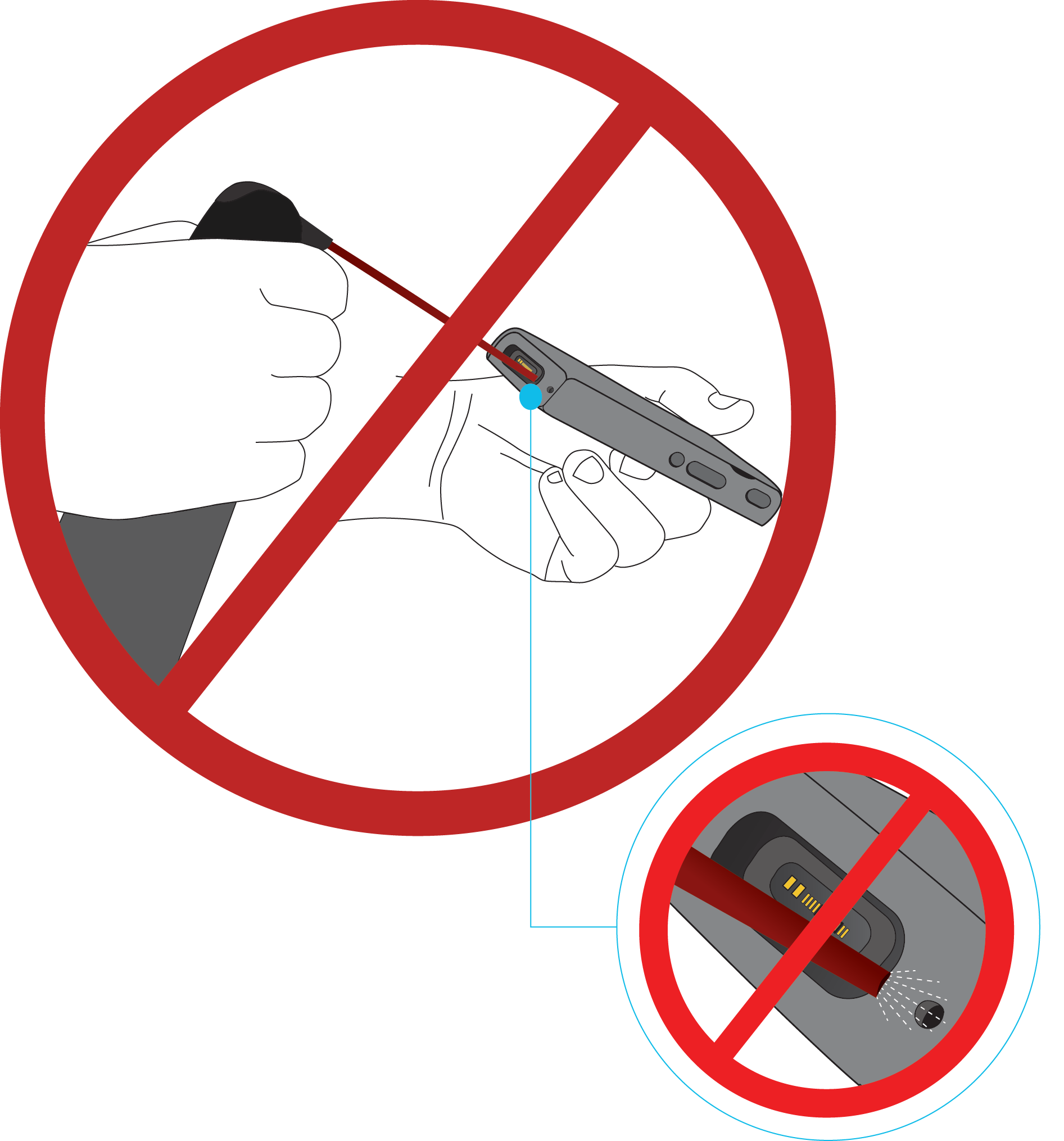
Do not blow or use compressed air (for example, aerosol cans, low- or high-pressure air nozzles) to clean the openings of the phone.
-
Do not use a vacuum cleaner or other suction device to clean the openings of the phone.
-
Do not use pins or other objects to clean the openings of the phone.
-
Use of air, suction, or mechanical objects to clean the openings can damage the phone and voids the phone warranty.
If you happen to drop the phone into water, or it gets splashed, follow our instructions to dry off the phone. See If your phone drops in water.
Clean phone exterior
You can clean the phone exterior using a dry, lint-free cloth. For the health-care environment, we recommend that you use Caviwipes™ and Saniwipes™ to thoroughly clean the phone. Caviwipes and Saniwipes contain up to 17% isopropanol.
Any cleaning solution containing a higher amount of isopropanol, including pure isopropanol, or an alternative alcohol-based liquid could potentially damage the phone. Do not clean the phone with bleach or other caustic products.
Excessive use of Caviwipes and Saniwipes more than 3 times a day will damage the phone surface coating and will change the appearance of phone.
Clean your phone immediately if it comes in contact with anything that may cause stains, or other damage; for example, dirt or sand, ink, makeup, soap, detergent, acids, acidic foods, or lotions.
| 1 |
Remove the phone from the charger or unplug it from the charging cable. |
| 2 |
If the phone is in a protective case, remove the phone from the case. |
| 3 |
Wipe the phone and screen with a damp, soft, lint-free cloth. |
| 4 |
If there are foreign objects (for example, fine sand) in an opening in the phone, tap the phone against your hand to dislodge the objects. |
If your phone drops in water
If your Cisco Wireless Phone 9821 is dropped in water, perform the following actions.
-
Gently shake the water off the phone.
-
Dry the phone with a soft, dry, lint-free cloth.
-
Place the phone in a dry area with adequate airflow. For example, direct cool air from a fan toward the speaker grille to aid drying. Do not place the fan too close to the phone.
Do not perform the following actions:
-
Do not open the battery compartment while the phone is wet.
-
Do not use compressed air to blow off the water.
-
Do not use a hair dryer to dry off the phone.
-
Do not insert cotton swabs, paper towels, or cloth into the headset jack or battery compartment.
-
Do not tap the phone against a hard surface.
-
Do not charge a wet phone using a charging cable. Wait until the phone is completely dry.
-
Do not place a wet phone in a desktop charger or multicharger. Wait until the phone is completely dry.
To ensure that the phone does not get water into the battery compartment, make sure that the compartment is tightly closed. See Install Cisco Wireless Phone 9821 battery.
If audio remains muffled after drying, water may still be present in the microphone or speaker openings. Place the phone speaker-side down on a dry, lint-free cloth and check whether water drains out. If water remains, allow the phone to dry completely before use.


