Thanks for your feedback.
 Feedback?
Set up your PIN
Depending on the calling service you're set up with, you may require a PIN to access your voice messages or features, such as creating a personalized greeting, sending a message, and more. The way you go about setting up your PIN, depends on your calling service:
-
Unified CM— Webex App | Set a voicemail PIN
-
Webex Calling or Calling hosted by a Service Provider— Set or reset your voicemail PIN
Access the voice portal
After you set up your PIN, call the voice portal from Webex App to use advanced voicemail features, such as changing your outgoing message or updating messages.
In the upper-right corner of the voicemail list panel, click the Call Voicemail icon.
If you have multiple lines, you can use the voice portal to listen to messages left on your other lines.
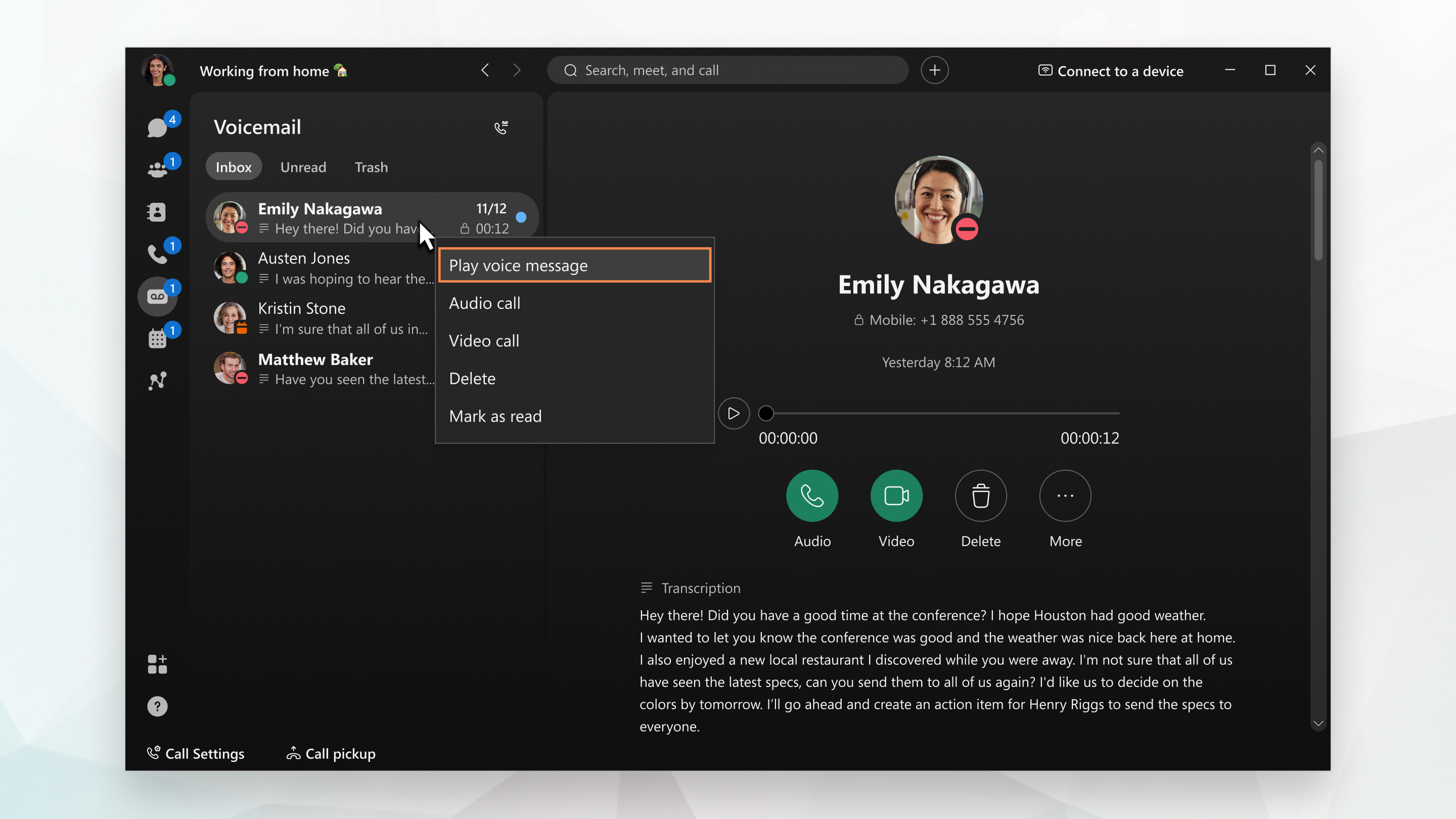
Listen to your messages
You can listen to your voice messages right from the app and what you do with them after that depends on your calling service. Check out Listen to or read your voice messages for more information.