Was this article helpful?

Thanks for your feedback.
Webex App | Start a Webex meeting
 Feedback?
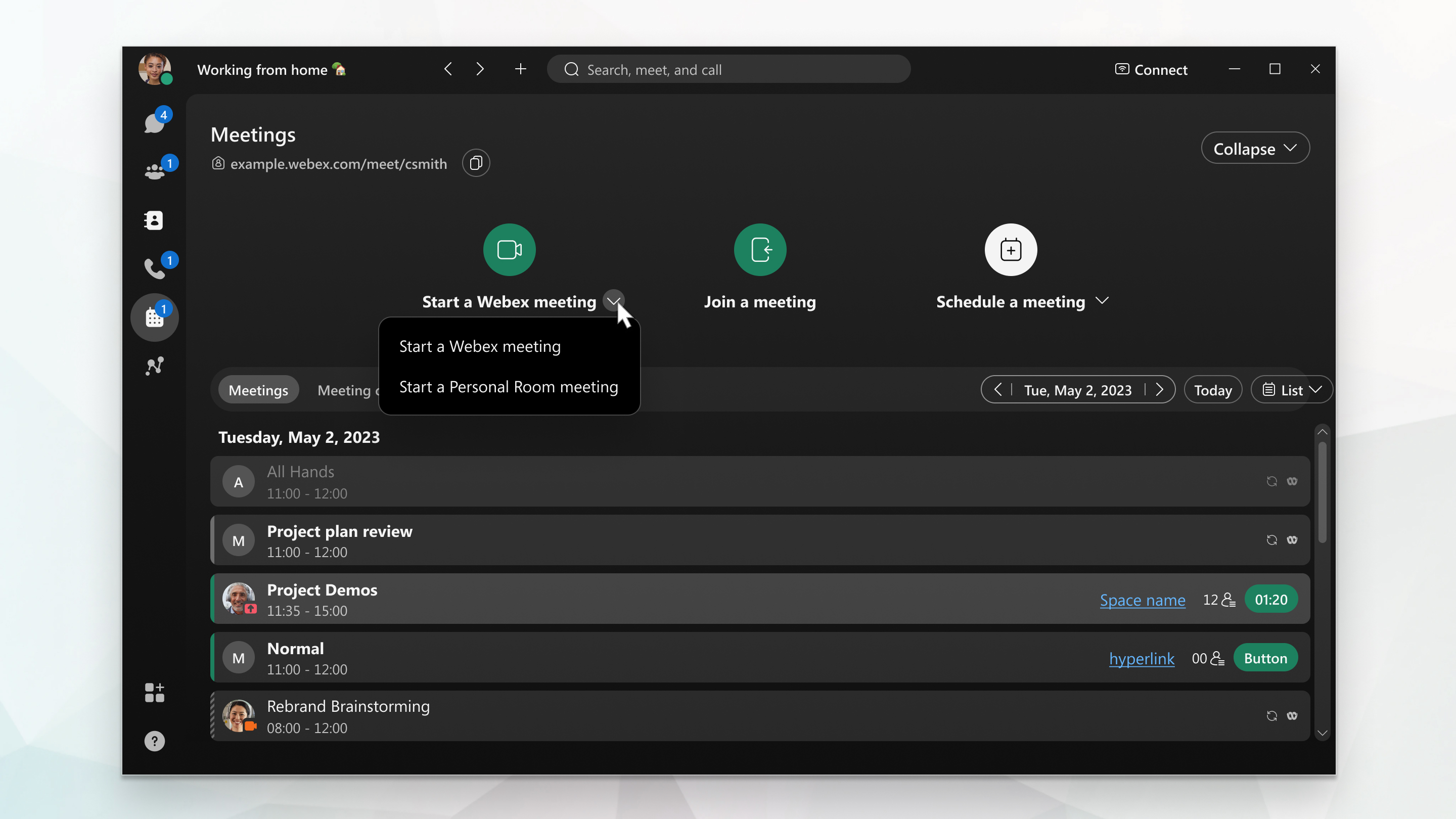
You can quickly start an instant Webex meeting directly from the Meetings tab in the Webex App. Use this option to quickly launch a standard Webex meeting and invite participants immediately.
| 1 |
Sign in to Webex App and go to Meetings
|
| 2 |
From the Start drop-down menu, select Start a Webex meeting. |
| 3 |
Click Start meeting. |
 .
.| 1 |
Open the Webex App and from the Meetings
|
| 2 |
Tap Start meeting. |
Was this article helpful?


