
Thanks for your feedback.
Webex App | Cisco AI Assistant search with Amazon Q
 Feedback?
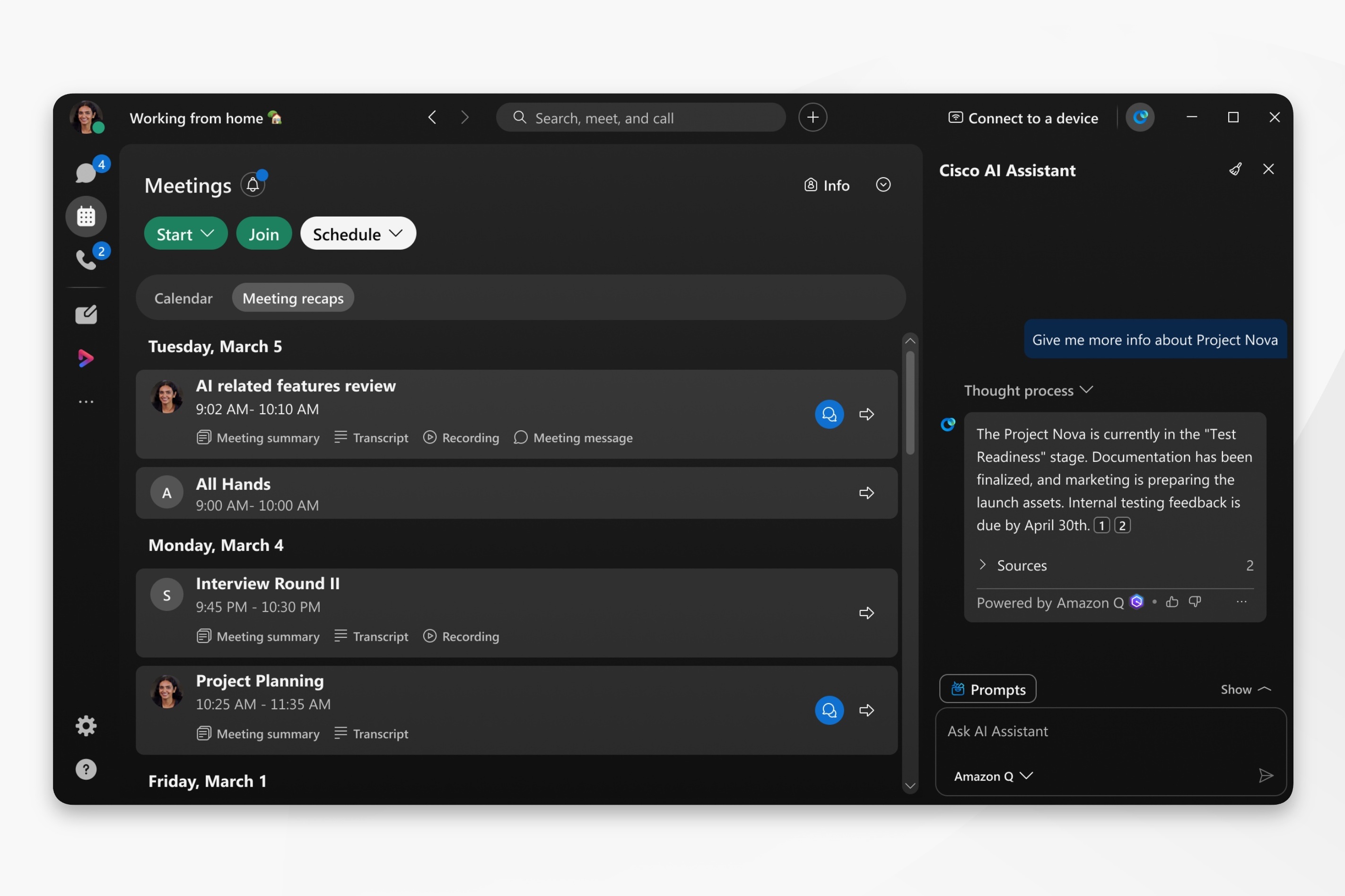
This feature must be enabled by your organization administrator, and is only available to customers with an Amazon Q licensed account.
Customers can choose to integrate Cisco Webex with Amazon Q. However, once customer data leaves Cisco Webex and moves to a non-Cisco product such as Amazon Q, Cisco is no longer responsible for it. The protection and handling of customer data will follow Amazon Q's own contracts and policies.
| 1 |
Open Webex and sign in. |
| 2 |
Click Meetings
|
| 3 |
In the Cisco AI Assistant panel, go to Sources and select: Amazon Q.
Click Stop generating to cancel an AI Assistant reply. AI Assistant has trouble with subjective questions and may return some inaccurate results. Ask questions that start with: find, what, who, or use keywords, such as a project name. |
 , or select a space from your spaces list. Then, go to the app
header and click AI Assistant
, or select a space from your spaces list. Then, go to the app
header and click AI Assistant
 .
.


