
Thanks for your feedback.
 Feedback?
Welcome to the enhanced Supervisor Desktop. Here is the snapshot of the enhanced look of the Supervisor Desktop user interface:
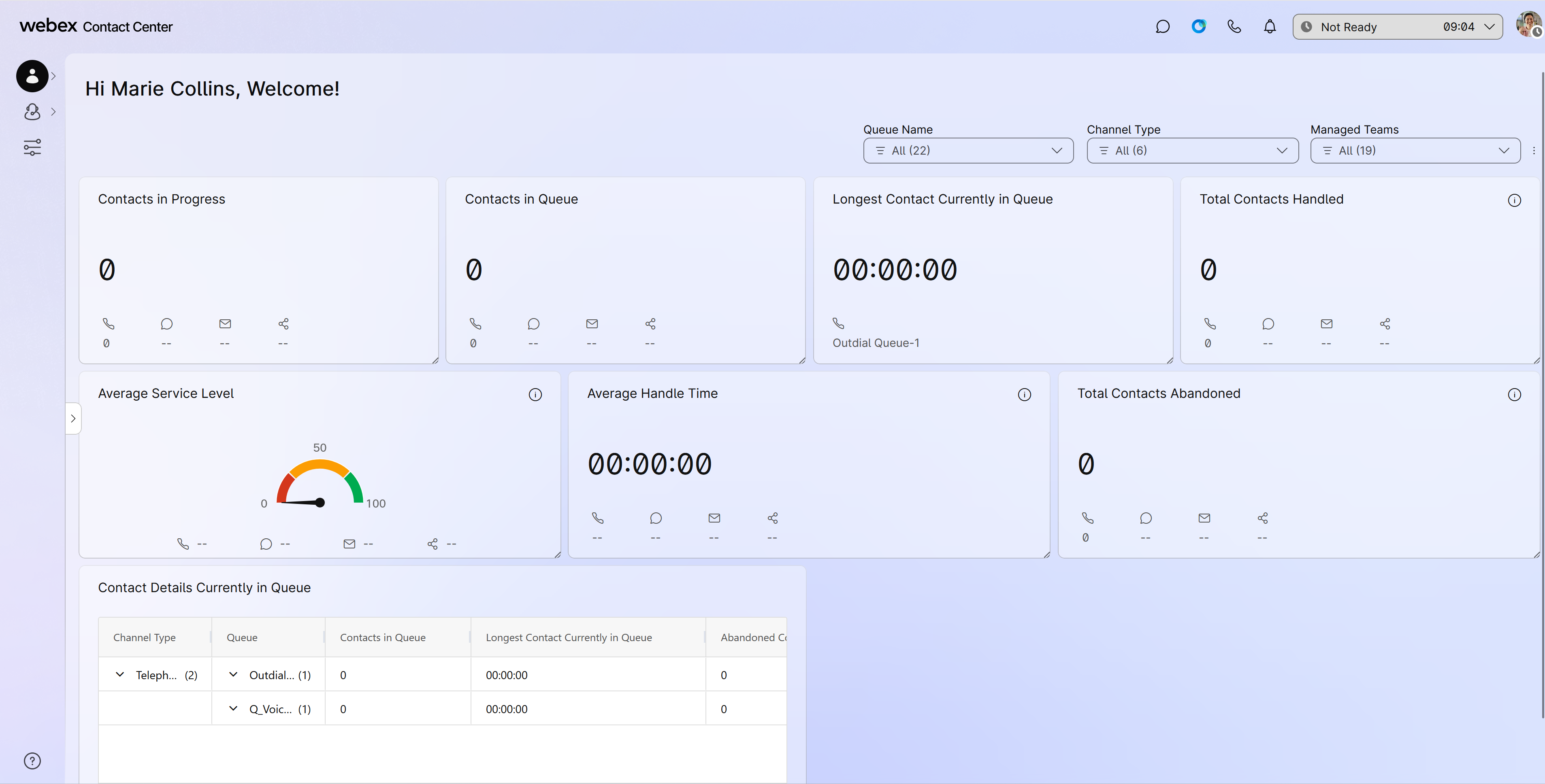
See the Get started with Supervisor Desktop article for detailed information about the user interface and the profile settings.
Your user profile is where you can view the teams that you manage, the role you’re signed in as, keyboard shortcuts, and more. It’s also where you can manage your notifications. Use these articles to get acquainted with everything you can manage in the profile settings.
You can access live updates about an agent and a consolidated view of their performance on the Team Performance Details page. From here, you can view and manage agents, use Webex App for one-on-one communication, and monitor agent calls. Use these articles to learn more about the various ways you can supervise your agents and teams.
You can collaborate with your agents, other supervisors, and subject matter experts in Webex App without having to leave Desktop. You can also send broadcast messages in a Webex App space. Use these articles to learn more about how to use Webex App in Desktop to communicate more efficiently and effectively.
View real-time and historical reports on all the activities involving total handled time, wrap-up time, and number of contacts in queue. You can also view KPI cards showing data automatically adapting to real-time calls. Use these articles to learn more about the reports available to you.


