
Thanks for your feedback.
 Feedback?
Edit Transcript
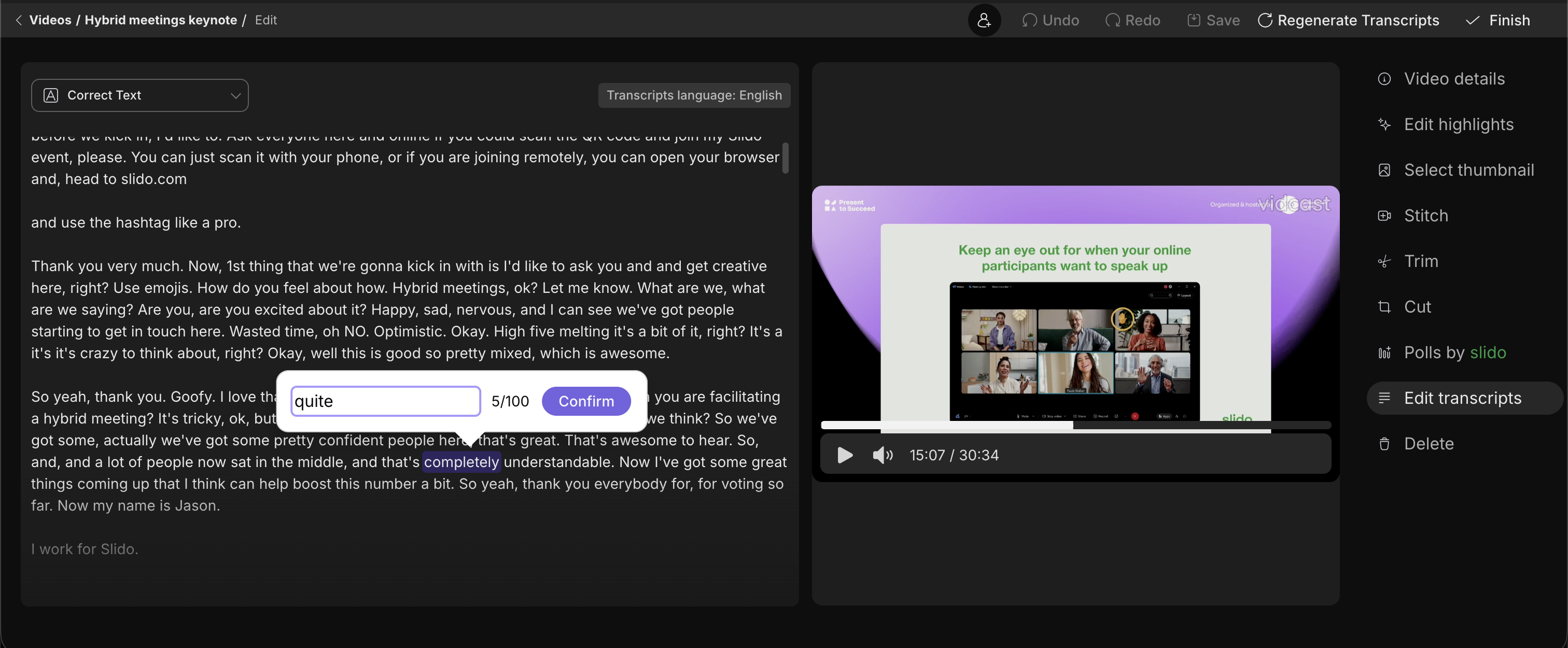
Every vidcast that you create will generate a transcript of the audio that's accessible for your viewers. Although the transcripts are generated with a very high degree of accuracy, there may be times where you need to correct the spelling of someone's name or even correct a company specific term or acronym. This is exactly where you'll be able to do so.
The Edit Transcript tab opens up a playback window on the right side, with the transcript text on the left. Any word or group of words you select will allow you to edit/add up to 100 characters in that spot.
Should you want to edit larger portions of the transcript, we recommend downloading the transcript in the .vtt format, editing it in a dedicated text editor and uploading the edited .vtt file back.
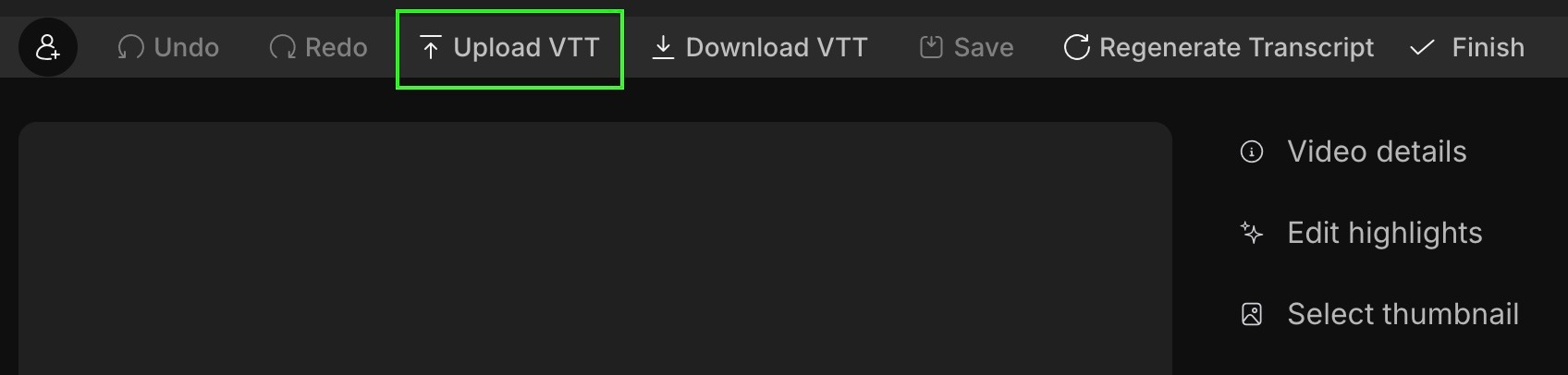
Please note that changing timestamps in the .vtt file might lead to your audio/ transcript desynchronization.
Do you need to download your transcript? You can do so on the playback page, by clicking on the "Download transcript" button either on the playback page, or on edit transcript page.
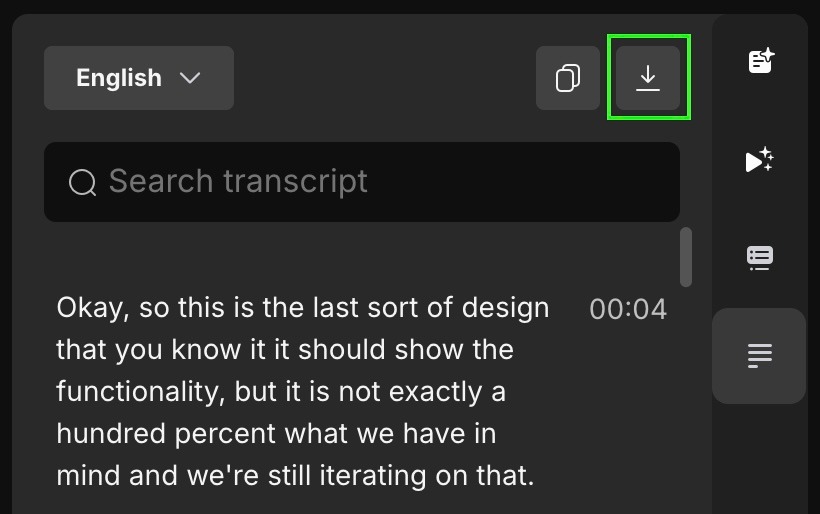
Additionally, transcript will be downloaded in .vtt format in a language you have selected (based on languages enabled for you organization by your Webex administrators)
If your video is in different language, you can regenerate it in the correct language so by clicking on Regenerate transcript button in the top right of the Edit transcript tab.
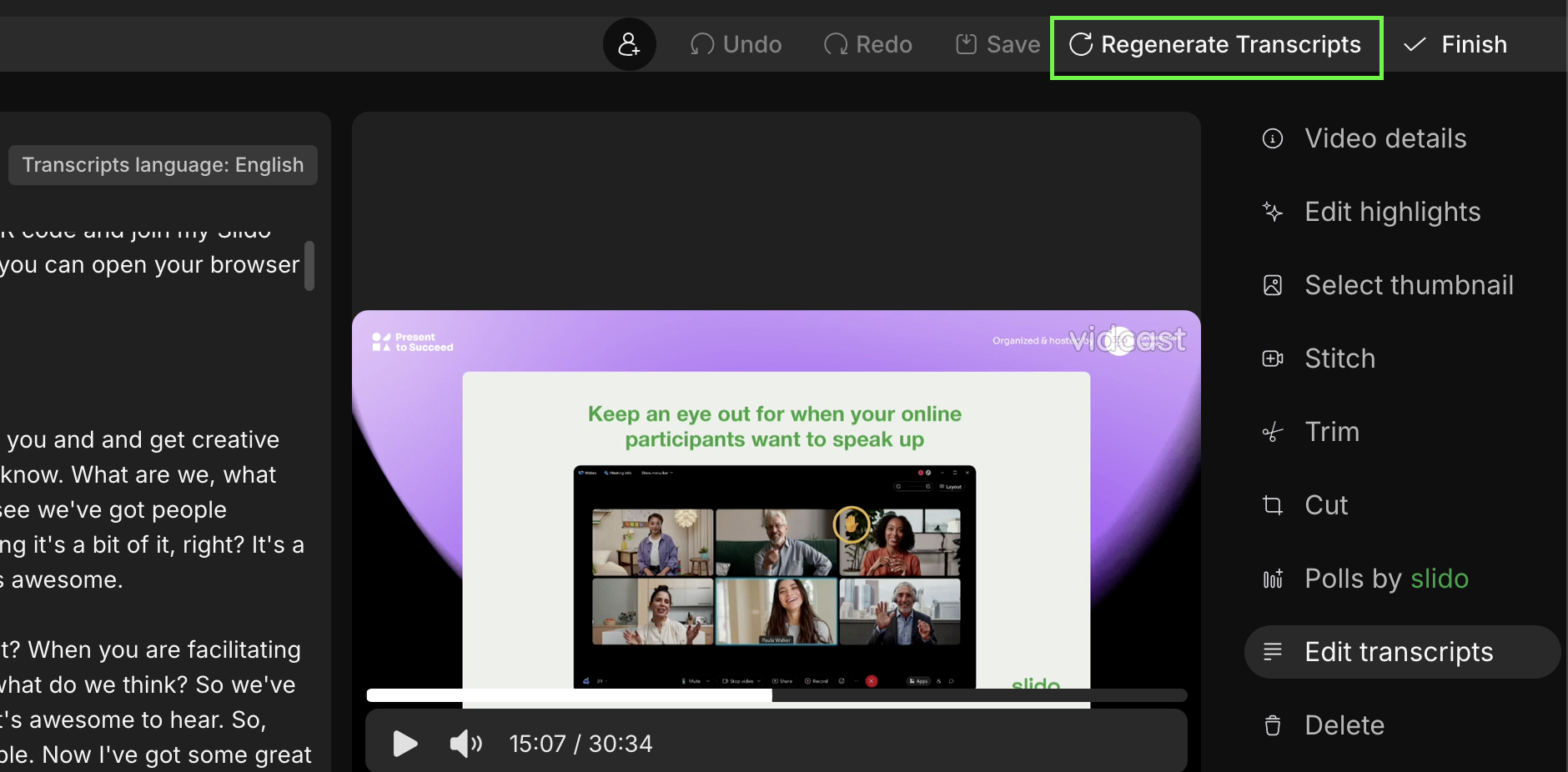
You will be able to select from 14 languages: Danish, Dutch, French, German, English, Hindi, Italian, Japanese, Korean, Polish, Portuguese, Simplified Chinese, Traditional Chinese and Spanish
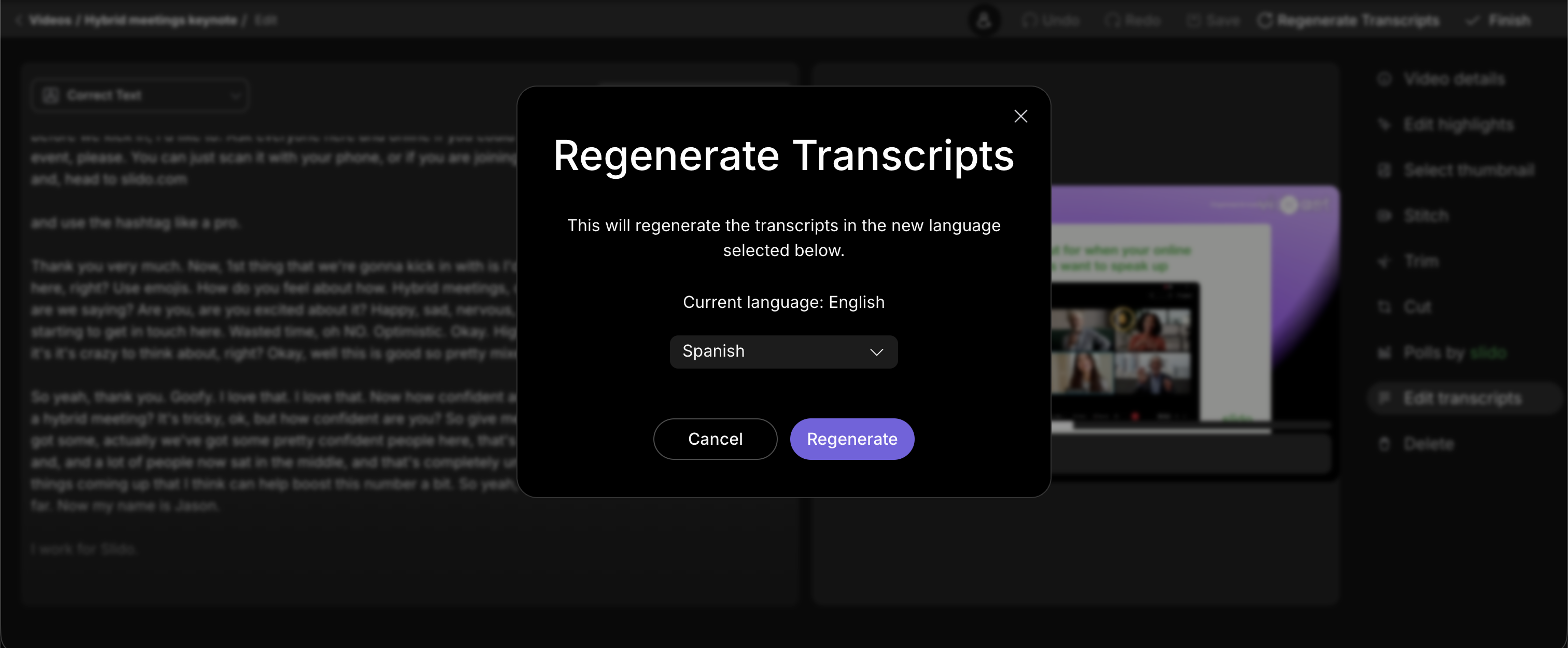
Regenerating transcript will also regenerate any chapters, highlights and descriptions in the appropriate language.
You can set the default language in which your videos are transcribed in your account settings.


