Was this article helpful?

Thanks for your feedback.
Collect Webex App logs from users in Control Hub
 Feedback?
You can retrieve Webex App client logs from users to help troubleshoot and resolve issues that they’ve experienced while using Webex.
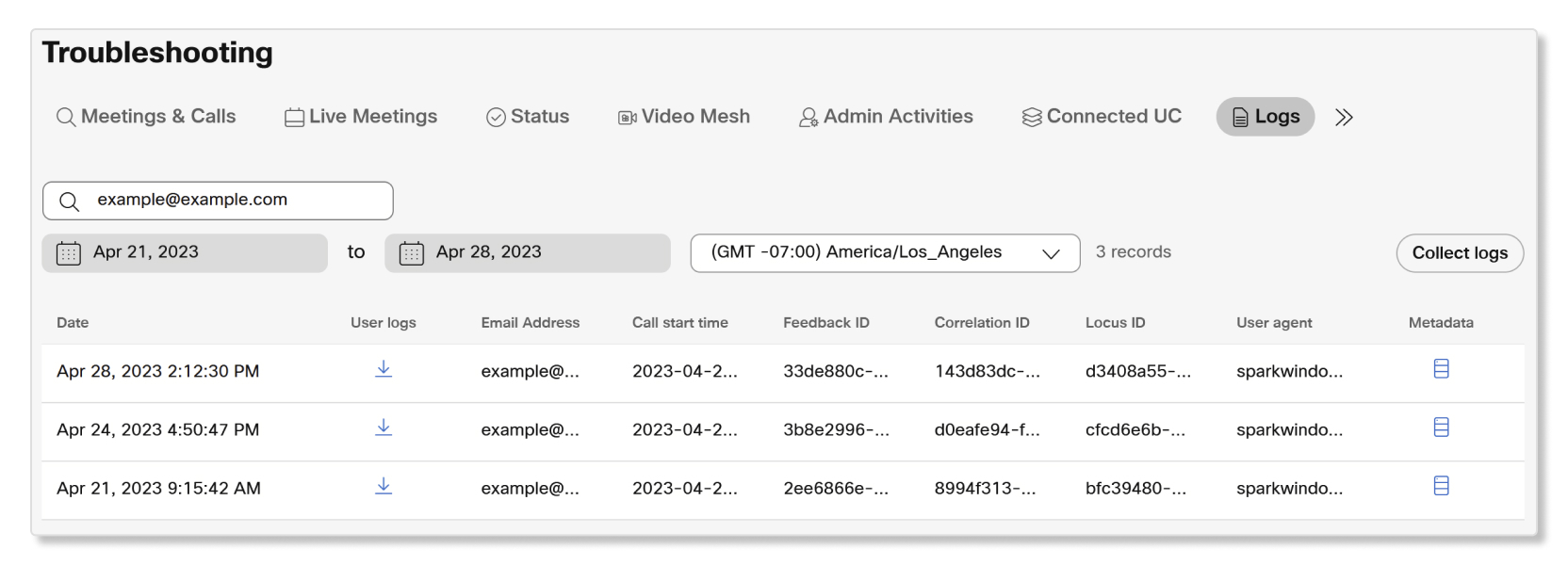
Uploaded Webex App logs are available for the last 30 days. Users can also send logs to Control Hub themselves in Webex App.
To collect Webex App logs, users must have an active internet connection. You can't collect logs for users who are offline.
| 1 |
Sign in to Control Hub and go to . |
| 2 |
Search for a user with their email address. |
| 3 |
Click Collect logs. |
| 4 |
Select Collect. |
Was this article helpful?


