- Home
- /
- Article

Thanks for your feedback.

 In this article
 Feedback?
Easily streamline your site management by using the bulk disconnect feature to remove multiple sites at once through a simple CSV upload.
Prerequisites
Before initiating a bulk disconnect request, ensure the following:
1. Feature enablement (On-Demand):
This feature is not enabled by default for all partners and it is provisioned on a per-request (on-demand) basis. Partners must contact their Account team to enable the toggle.
2. Portal access:
Administrators must have access to the Service Provider (SP) Portal (RM UI) with appropriate permissions to perform bulk operations. This feature is supported on the SP Portal and is accessible to Service Providers (SP) and OPS Users.
3. Data accuracy verification:
Review the site list carefully to ensure only intended sites are marked for disconnection.
Once a site is disconnected, it cannot be restored and all associated data will be permanently deleted.
Overview
This bulk disconnect support outlines the process for disconnecting multiple customer sites in Webex Calling using a CSV-based bulk operation. This feature enables partners to efficiently manage large-scale site disconnections, reduce manual effort, and streamline operational workflows, while ensuring visibility into request status and results.
Bulk disconnect process
| 1 |
Login to RM SP Portal with your credentials. | |||||||||||||||||||||||||||||||||||||||||||||||||||||||
| 2 |
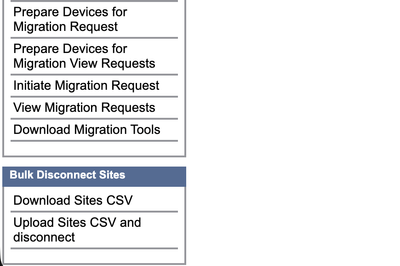
Bulk Disconnect Navigation: From the sidebar, select Bulk Disconnect
Sites. | |||||||||||||||||||||||||||||||||||||||||||||||||||||||
| 3 |
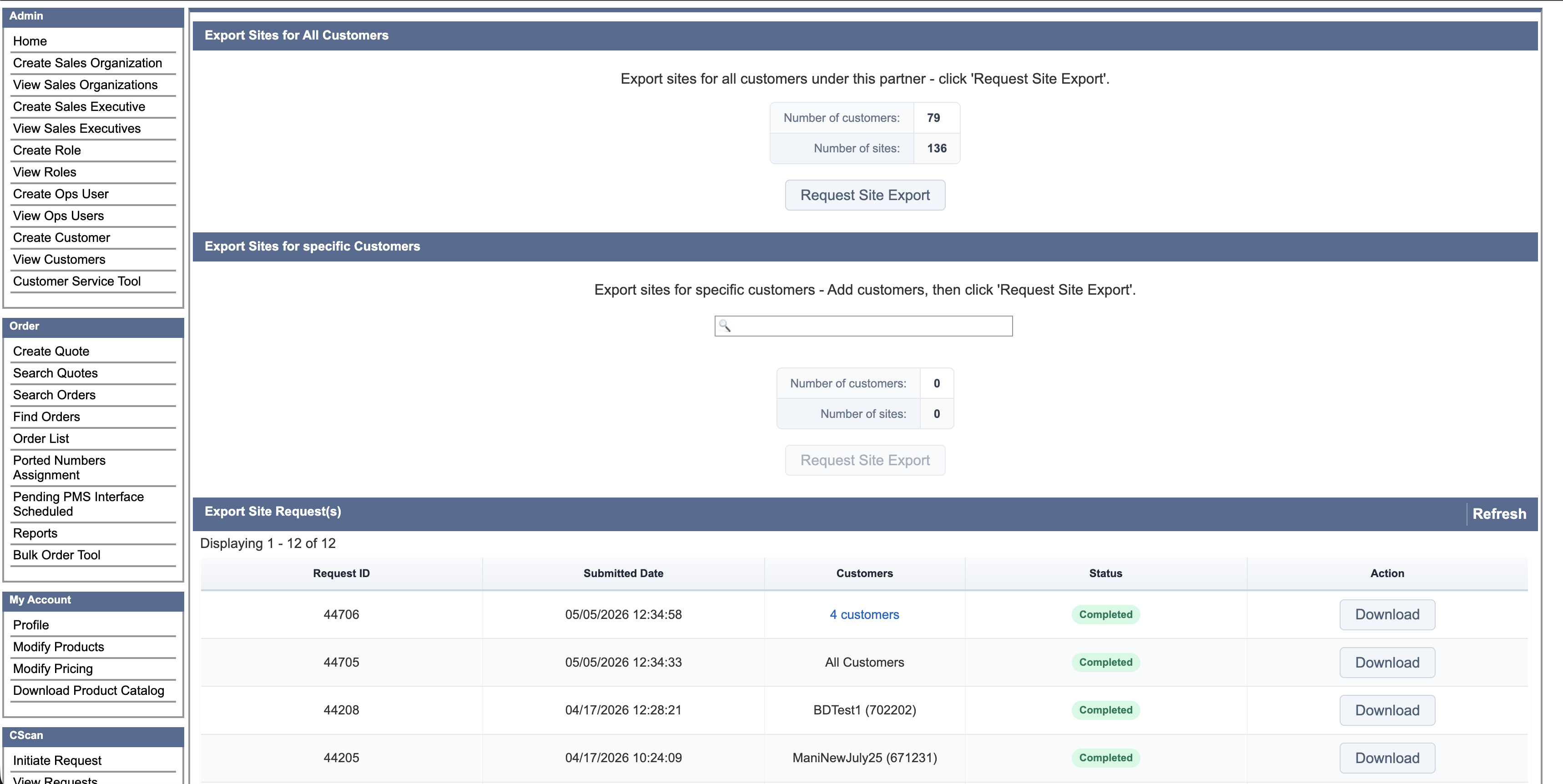
Download Sites CSV
| |||||||||||||||||||||||||||||||||||||||||||||||||||||||
| 4 |
Update CSV File After downloading:
Sample CSV:
| |||||||||||||||||||||||||||||||||||||||||||||||||||||||
| 5 |
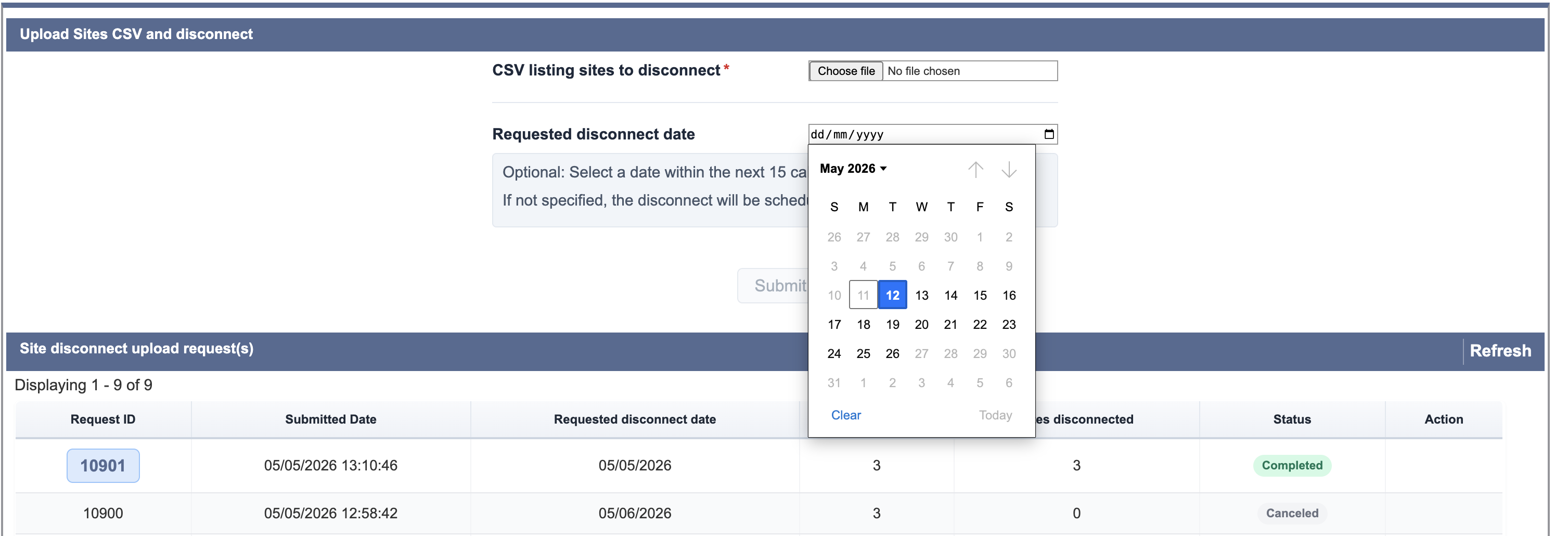
To initiate disconnection:
| |||||||||||||||||||||||||||||||||||||||||||||||||||||||
| 6 |
Before final submission, the system provides a summary including:
| |||||||||||||||||||||||||||||||||||||||||||||||||||||||
| 7 |
Track Disconnect Request After submission, track progress directly in the portal. Status Definitions:
| |||||||||||||||||||||||||||||||||||||||||||||||||||||||
| 8 |
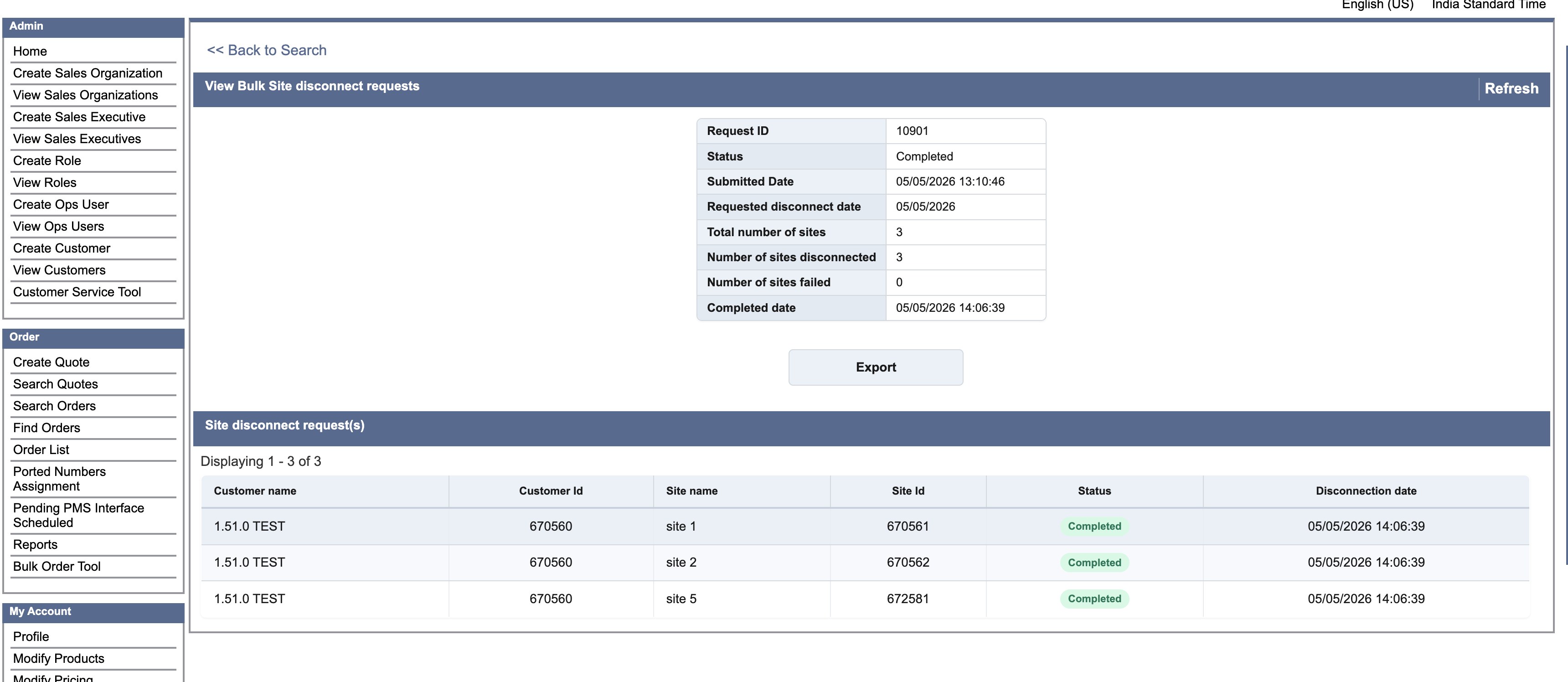
View Site-Level Details To view detailed results:
|