
Thanks for your feedback.
 Feedback?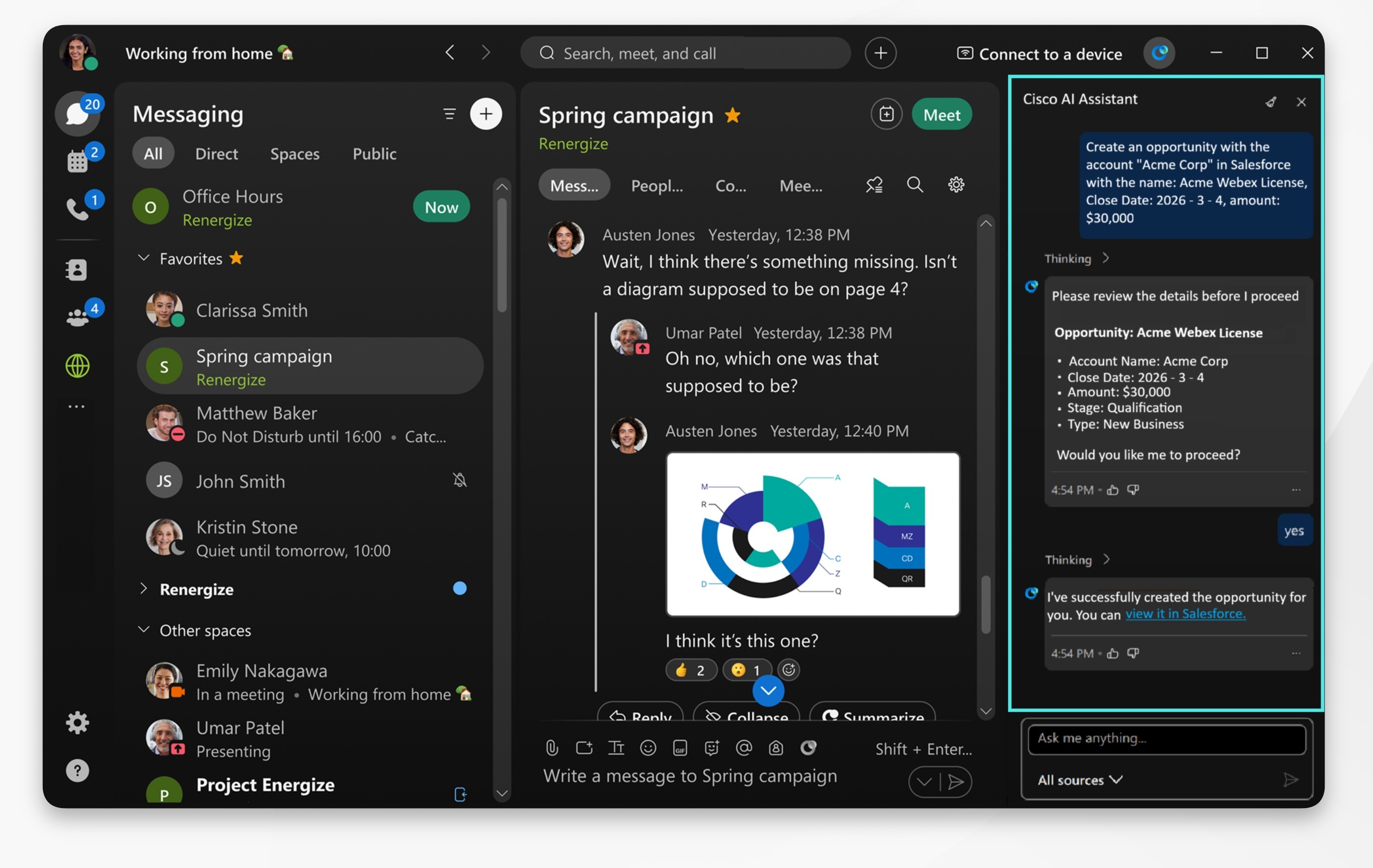
The AI Assistant Salesforce integration must be enabled by your organization administrator, If you don't see the option, reach out to your administrator to have it enabled.
To use meeting or call summaries with Salesforce, your administrator must also enable AI Assistant for Meetings, or Webex Calling. If you don't see the required option or summary, contact your administrator.
You can easily integrate your Production Salesforce environment with our platform. However, we don't support Salesforce Sandbox, My Domain, or Custom Domain configurations.
| 1 |
Open Webex and sign in. |
| 2 |
Click Settings Go to Complete tasks from third party apps with Cisco AI Assistant, select Salesforce and click Add connection. You'll be redirected to the Salesforce authorization page. Sign in with your Salesforce account, and click Allow to authorize the Webex application. |
| 3 |
Then, click Save. When configured, you can use AI Assistant, no matter which tab you're currently in, to do the following:
Use Case Example: After a sales meeting, you're assigned action items to create a new opportunity, add meeting notes to an opportunity, and update Salesforce records. Go to Meetings
|
 , then click


