Thanks for your feedback.
 Feedback?
By migrating these features to Control Hub and the Desktop, we’re centralizing our features to provide a more efficient and cohesive workflow for all administrators.
The table summarizes the migration status of Management Portal features. The migration completes the full decommissioning of the portal.
Management Portal decommissioning status
| Entity | Status on Management Portal | Availability status on Control Hub/Desktop | Link to Coming Soon/What's New |
| Routing Strategies | Decommissioned | Available on Control Hub | What's New |
| Audit Trails | Decommissioned | Available on Control Hub | What's New |
| Call Recording Schedules | Decommissioned | Available on Control Hub | NA |
| Recording Management | Decommissioned | Available on Control Hub | What's New |
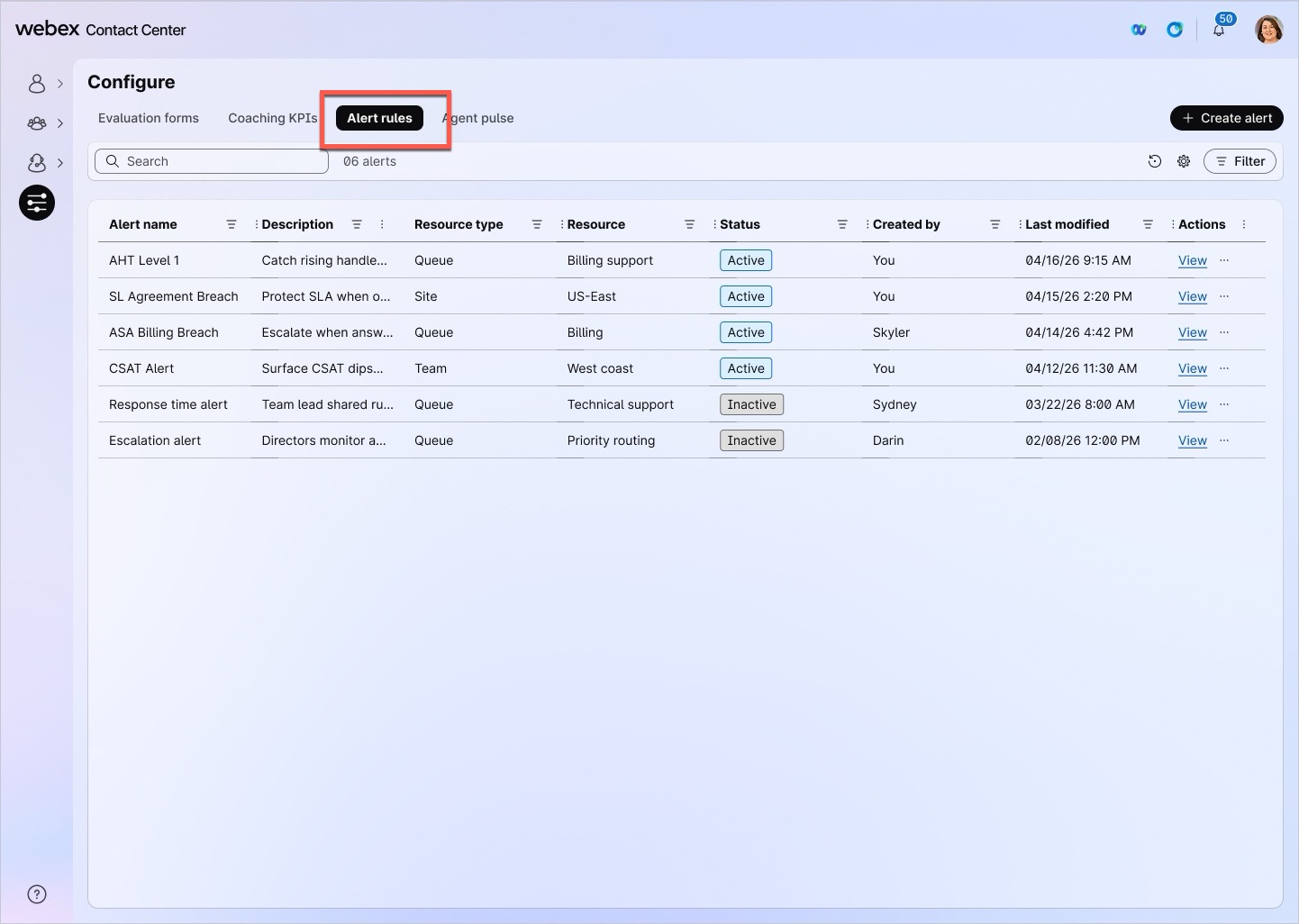
| Threshold Alerts | Decommissioned | Available as Alert Rules on Desktop > Configurations.* | NA |
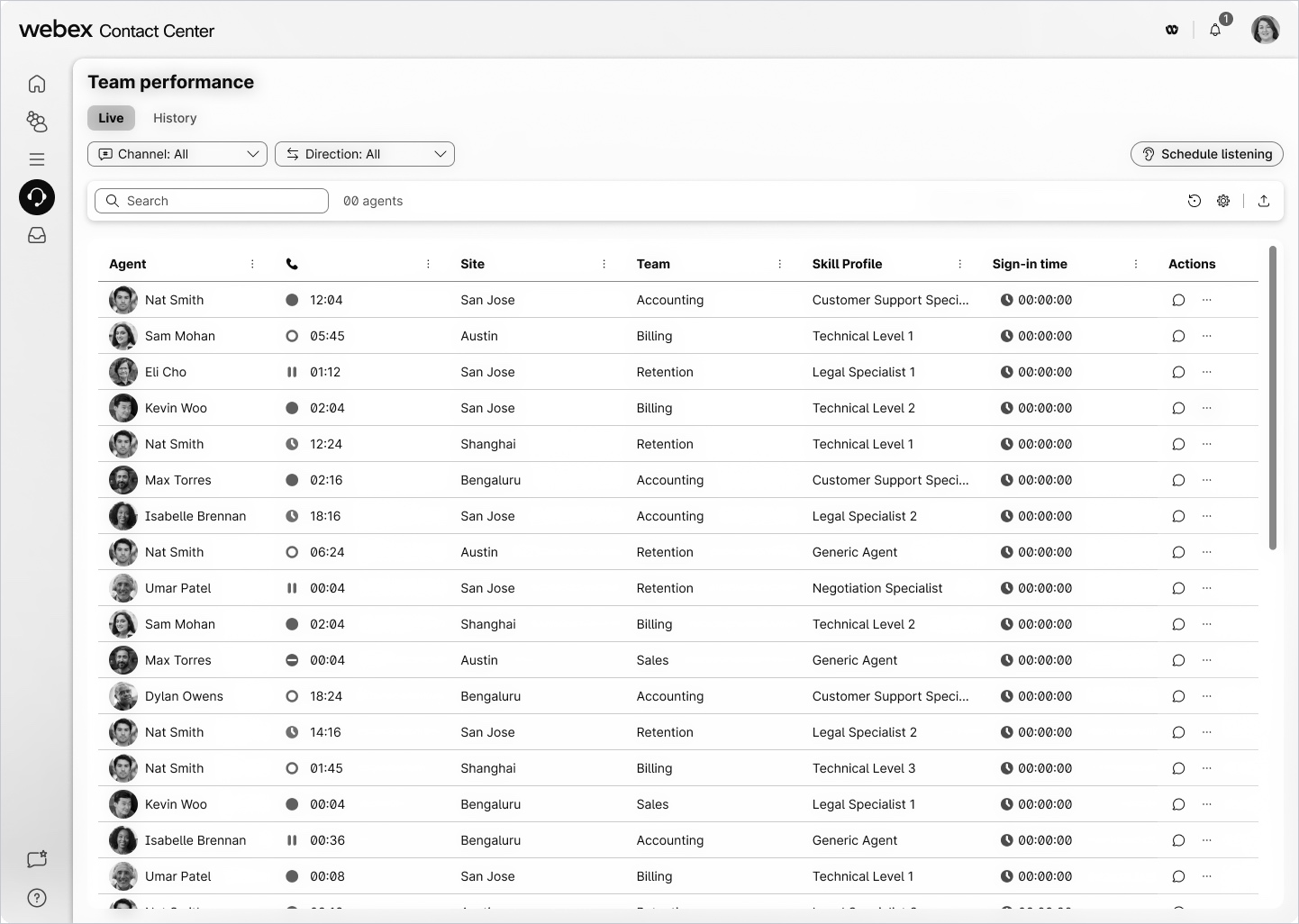
| Call Monitoring | Decommissioned | Available as Schedule listening on Desktop > Team performance.** | Coming Soon |
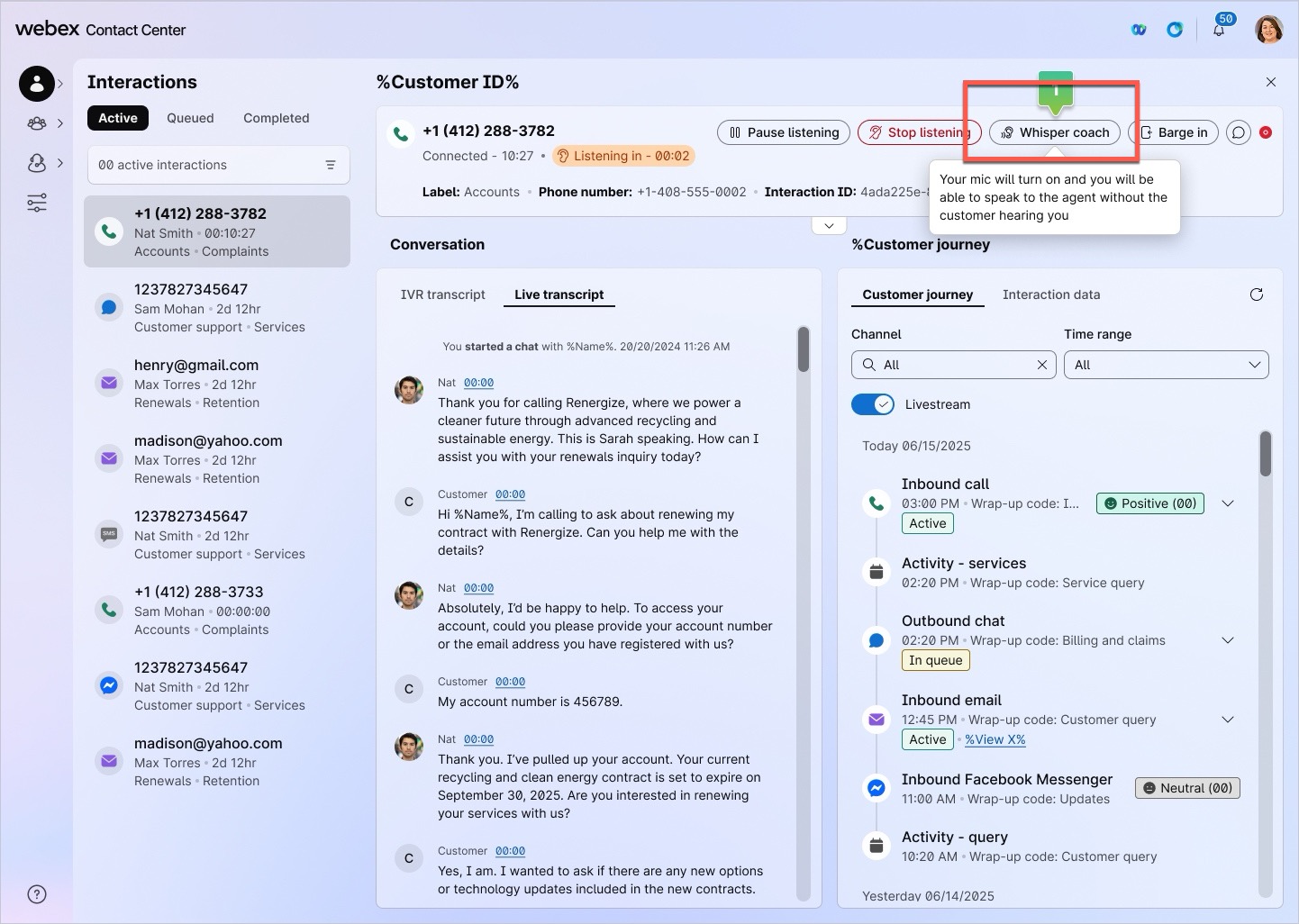
| Whisper Coaching | Decommissioned | To be available from 24th September as Whisper Coach on Desktop > Interactions > Active interaction > Whisper coach. | Coming Soon. |
| URLs for BRE/Analyzer/Desktop/Webex WFO/Campaign Manager | Removed | Available on Control Hub | What's New |
| Full decommissioning of Management Portal*** | The Management Portal has been fully decommissioned on July 30, 2026, and is no longer available. | ||
*Existing Threshold Alert rules are migrated to Alert Rules in Desktop because of higher adoption. Organizations with a Threshold Alert configured on July 30 can use Alert Rules in Desktop; all others receive access when the feature becomes generally available. External administrators and users with unlicensed administrator profiles no longer have access to Alert Rules. Licensed administrators and supervisors retain access when they are assigned the required permission. For more information, see Alert Rules documentation article.
** Existing Call Monitoring schedules haven't been migrated to Schedule listening yet because of low adoption. Administrators must create new schedules in Desktop.
***An updated version of this guide is now available. Please begin using the Set up and Administration Guide immediately and update your bookmarks with the new link.
Following images show location of Alert rules, Schedule listening and Whisper coaching on Desktop.
Alert rules
Schedule listening
Whisper coaching